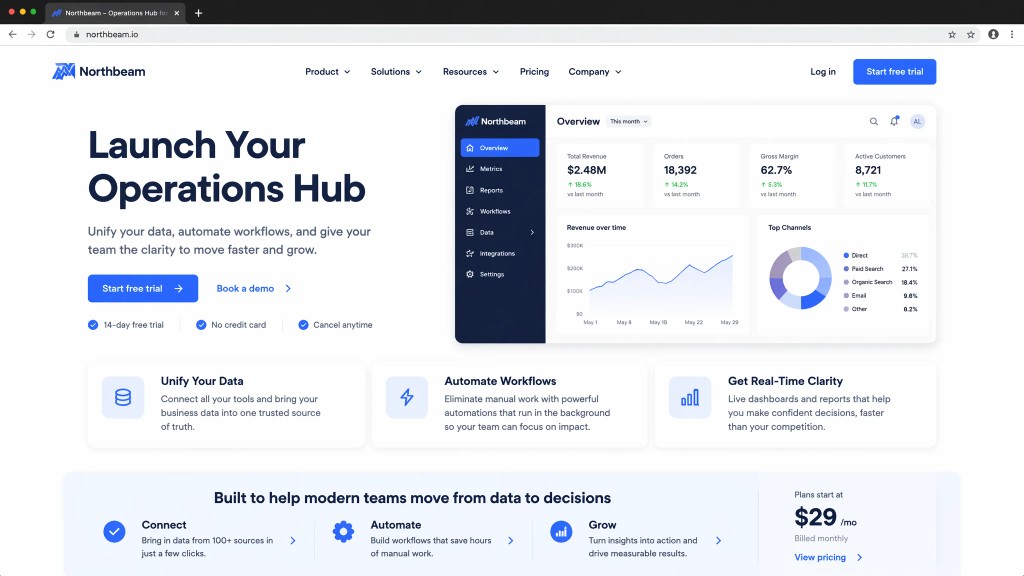
Build Websites with Your Personal AI Assistant
Tell Muse what you need. It works with your connected tools to turn notes, files, emails, and meeting context into polished websites you can review and publish.
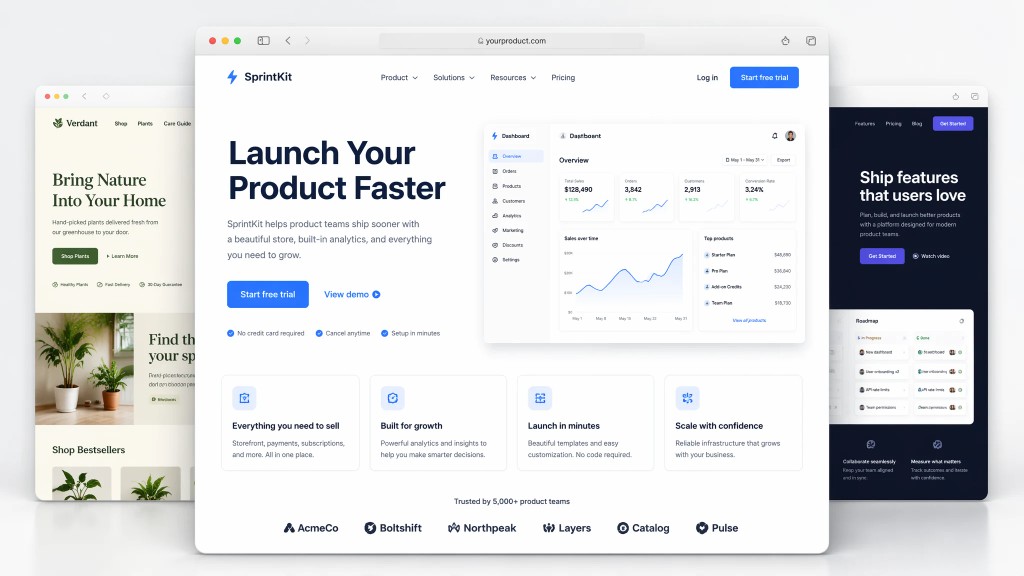
What Muse delivers for your website
The full frontend flow — visual direction, structure, responsive layout, quality checks, and a page you can deploy.
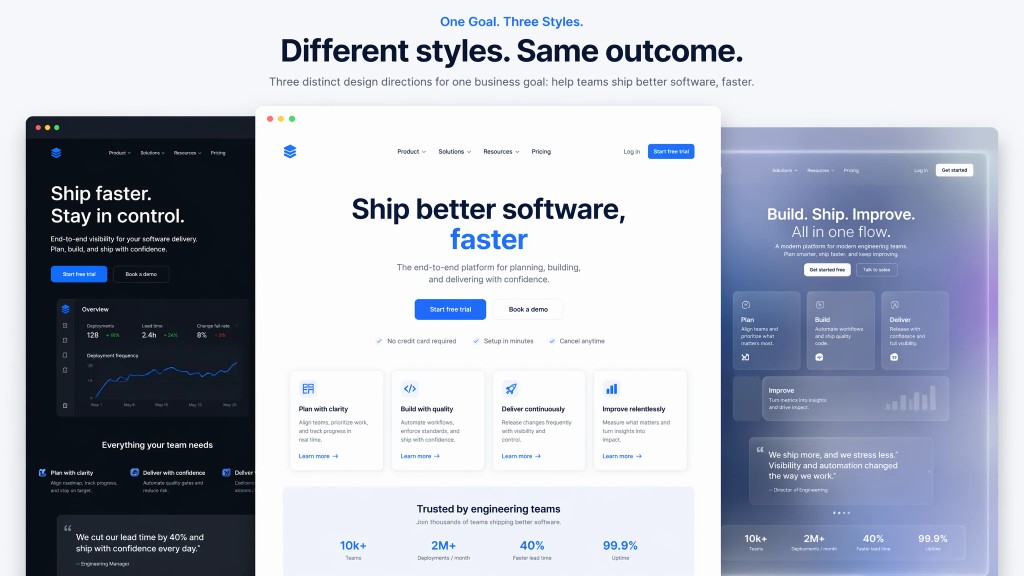
Web & UI Design
Landing pages, SaaS sites, dashboards, and portfolios — built for your audience.
Style is derived from your goals, not a generic template.
Minimal, dark SaaS, glass, bento, or brand site — your call.
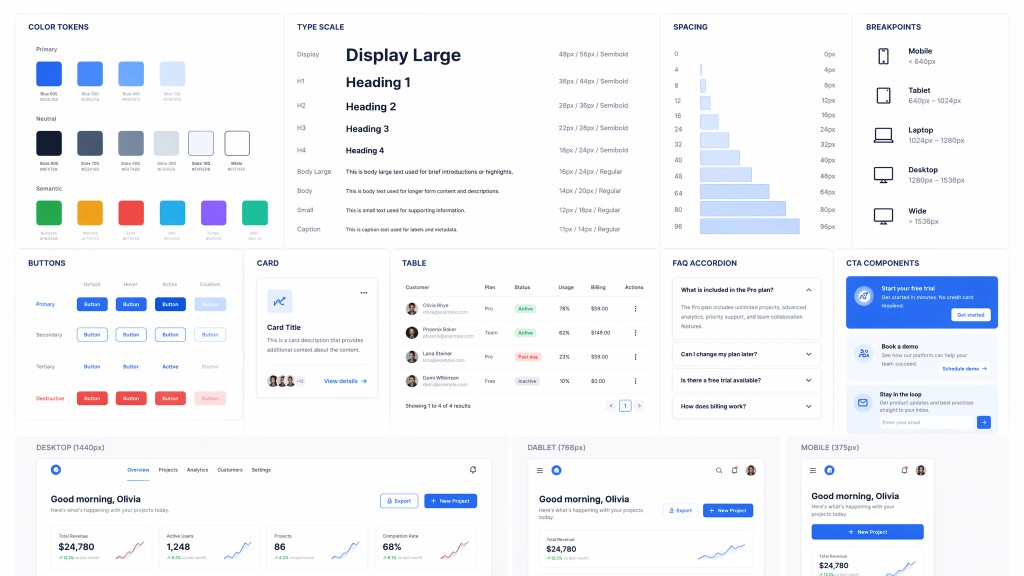
Design System Included
Color, type, spacing, and component rules in one pass.
Cards, buttons, tables, FAQ, and CTAs stay consistent.
Responsive breakpoints and motion that fit the page.
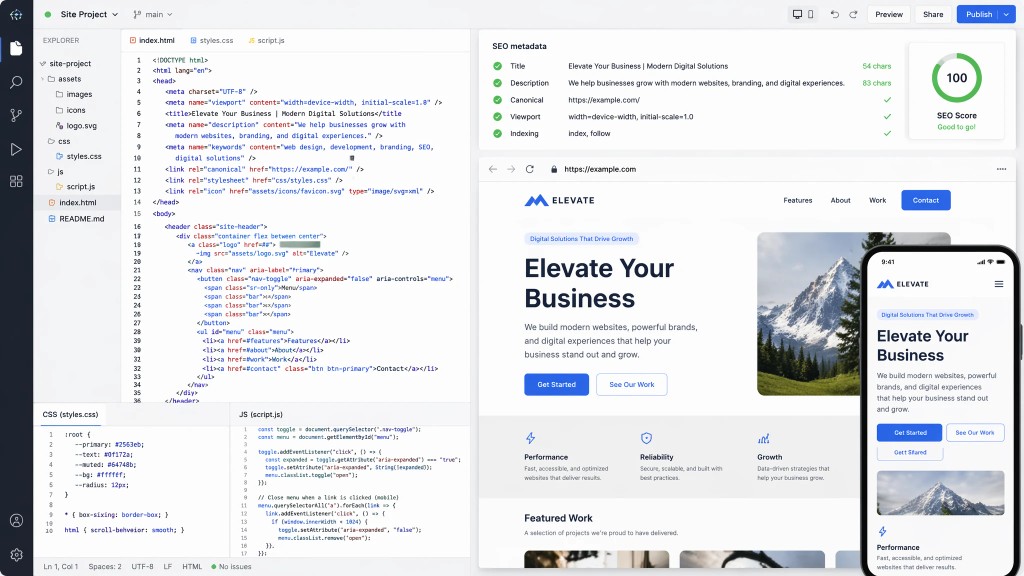
Production-Ready Code
Full HTML, CSS, and JS with images, icons, and SEO metadata.
Main content renders statically — visible without client-side rendering.
Mobile-ready layouts out of the box.
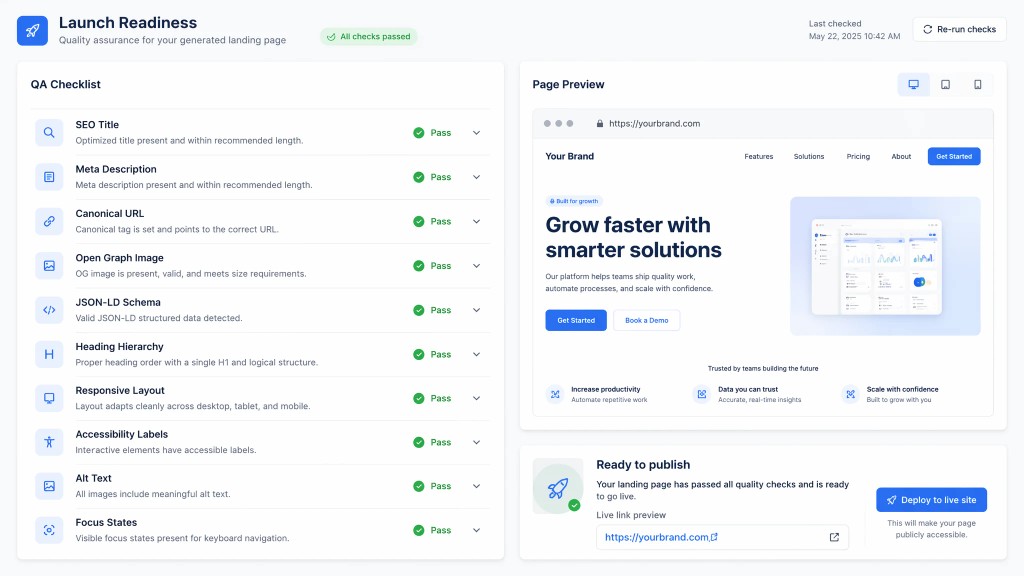
SEO, QA & Deploy
Title, description, canonical, Open Graph, and JSON-LD schema.
Checks hierarchy, responsive layout, a11y, alt text, and focus states.
Ship a live link when the page passes review.
Why Muse for website building
Muse is a personal AI assistant that builds websites with your context — not just another AI website generator that starts from a generic prompt.
| Traditional Website Builders | Generic AI Tools | Muse | |
|---|---|---|---|
| Starting point | Blank templates and manual setup | A short prompt with no project context | Your notes, files, emails, and connected tools |
| Content quality | Depends on your writing and design skills | May produce generic copy | Drafts grounded in your real materials when connected |
| Workflow fit | Separate from where your work already lives | One-off chat sessions | Continues across the tools you already use |
| Control | Full manual control, high effort | Limited review before output | Muse asks before important actions; you review and refine |
3 steps to your website
From first request to a site you can share — here is how Muse guides you through the process.
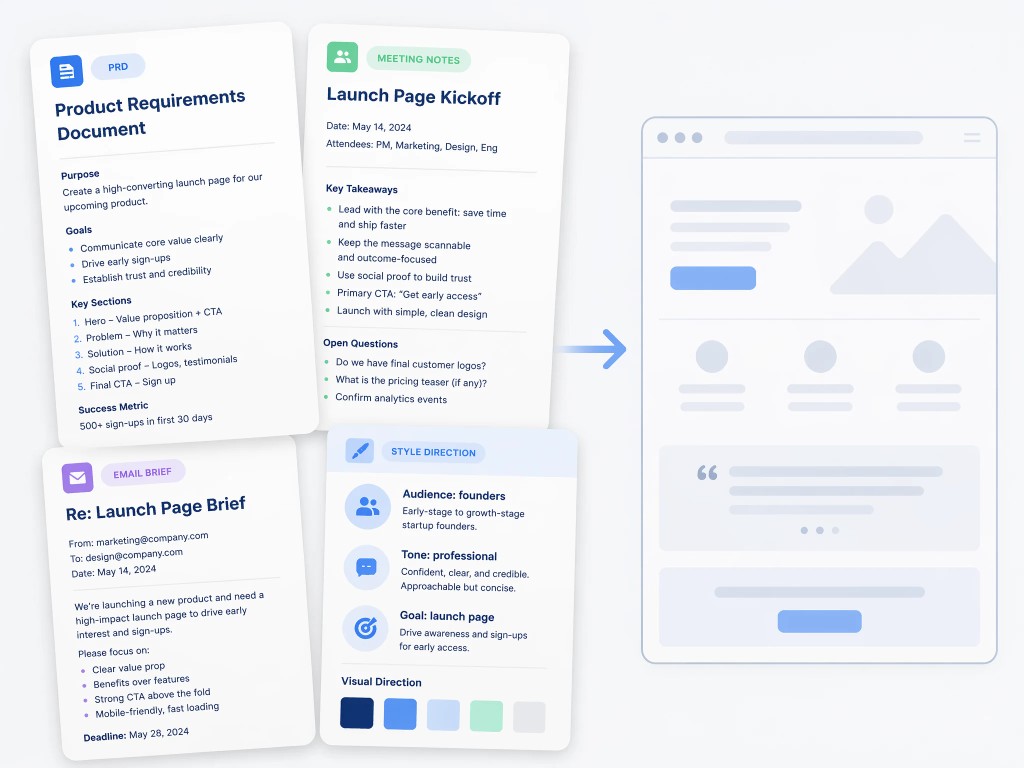
1. Tell Muse what you need
Describe your page, audience, and style in plain language.
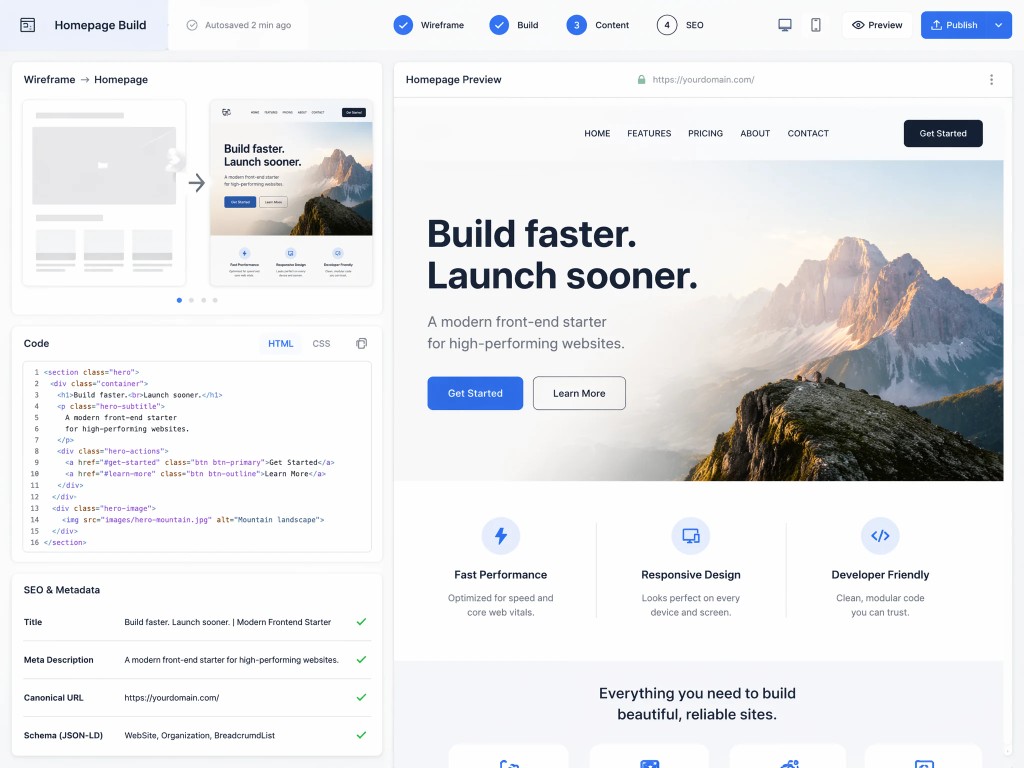
2. Muse designs and builds
Muse shapes the layout, writes production code, and adds SEO metadata.
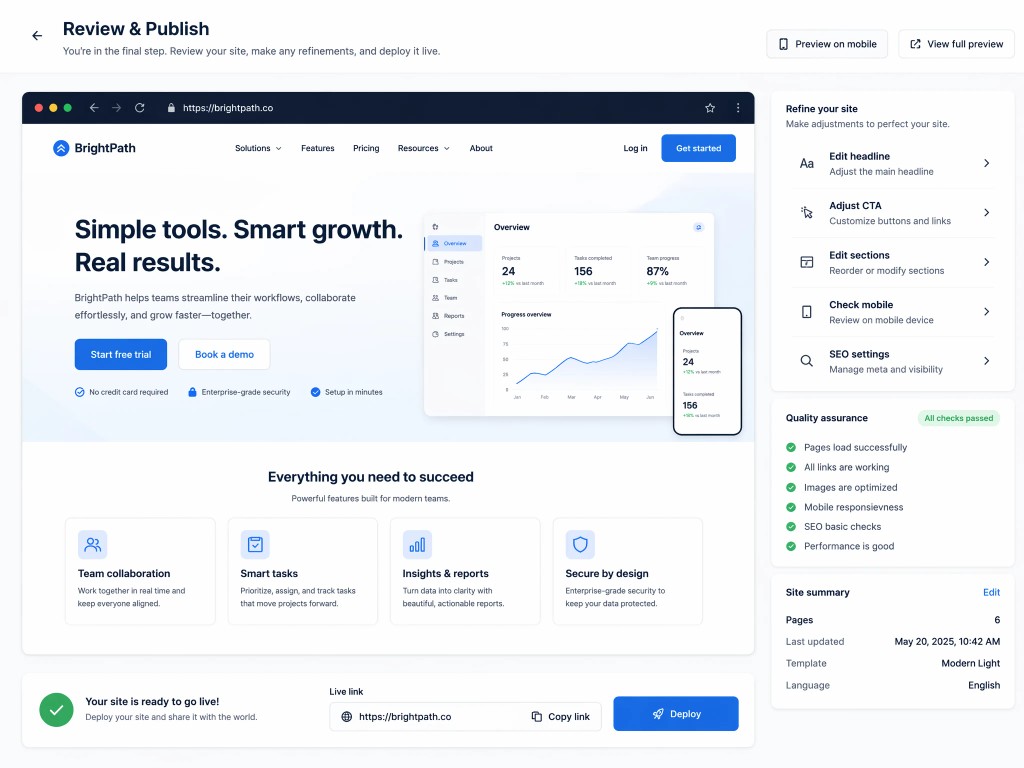
3. Review, refine, and publish
Check the draft, pass QA, and deploy a live link you can share.
Try these prompts
Copy any of these prompts into Muse to see how it builds a website from your real context.
See what Muse can create
Discover how Muse helps founders, consultants, and product teams build polished websites for any purpose.