AI Image Generator for Visuals You Can Actually Use
Describe what you want to create, and Muse turns your idea into a clear visual brief, a stronger image prompt, and generated visuals you can review, refine, and share.
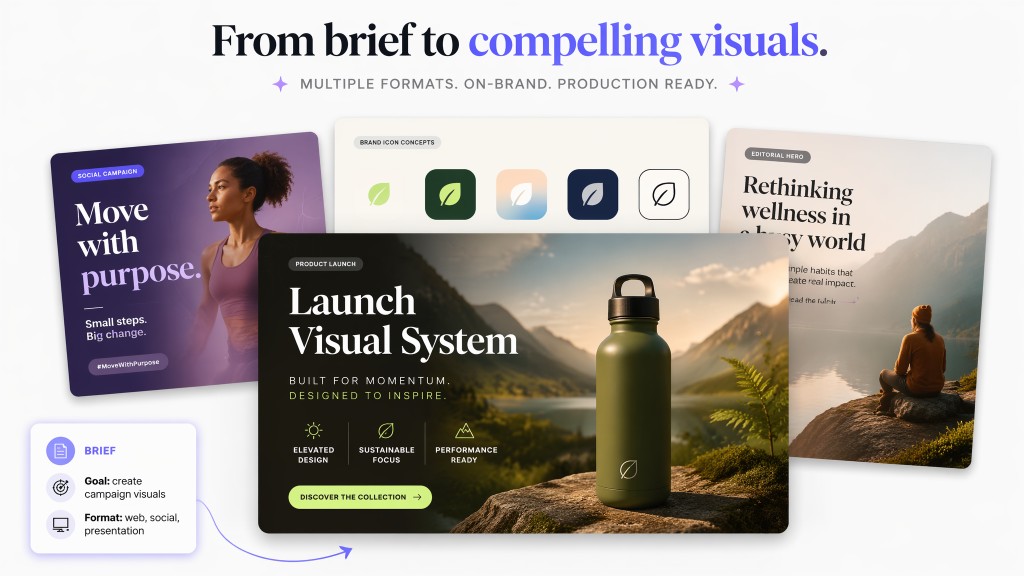
What Muse can do as your AI image creator
Muse helps you move from a rough idea to a usable visual asset, with the prompt, format, and iteration logic handled in one flow.
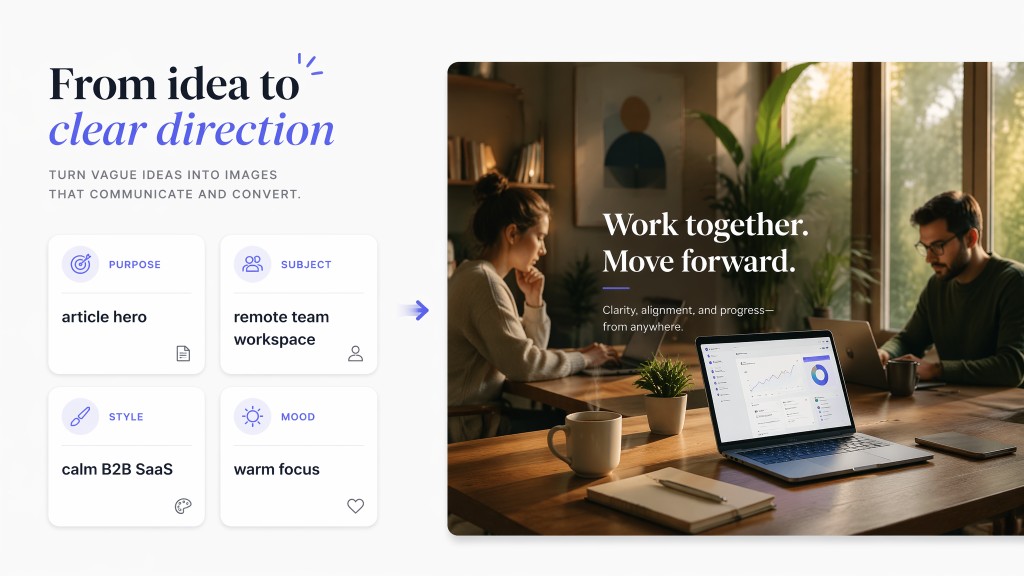
Understand the visual job
Muse identifies the purpose before choosing a visual direction.
It clarifies subject, style, mood, and output format.
The result starts from intent, not random keywords.
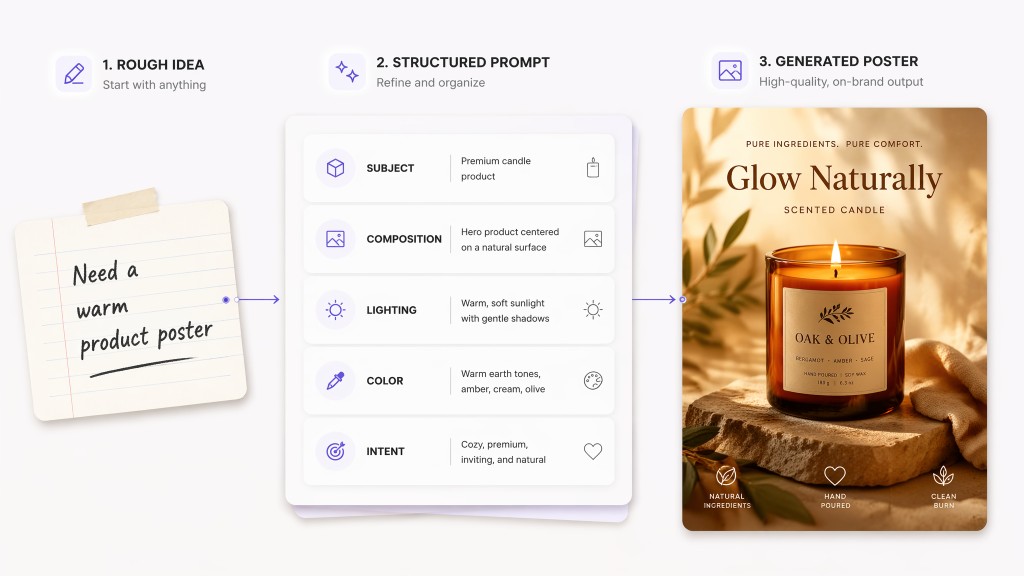
Write stronger image prompts
Muse turns rough requests into complete English prompts.
It connects subject, composition, lighting, and atmosphere.
Semantic prompts make generated images more stable.
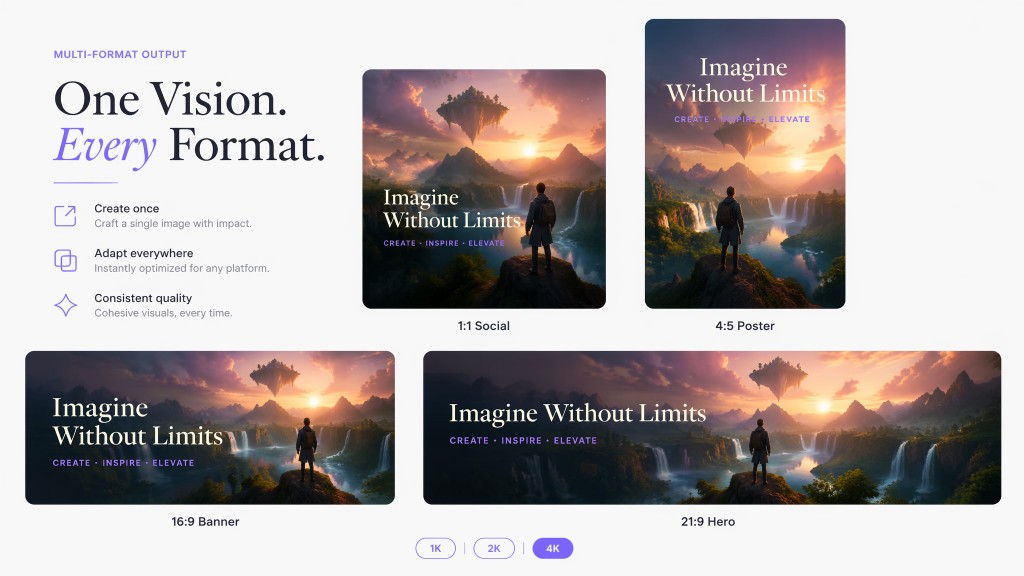
Choose the right format
Muse selects aspect ratio based on where the image will live.
It supports square, portrait, landscape, and ultrawide layouts.
Resolution choices fit drafts, presentations, and polished assets.
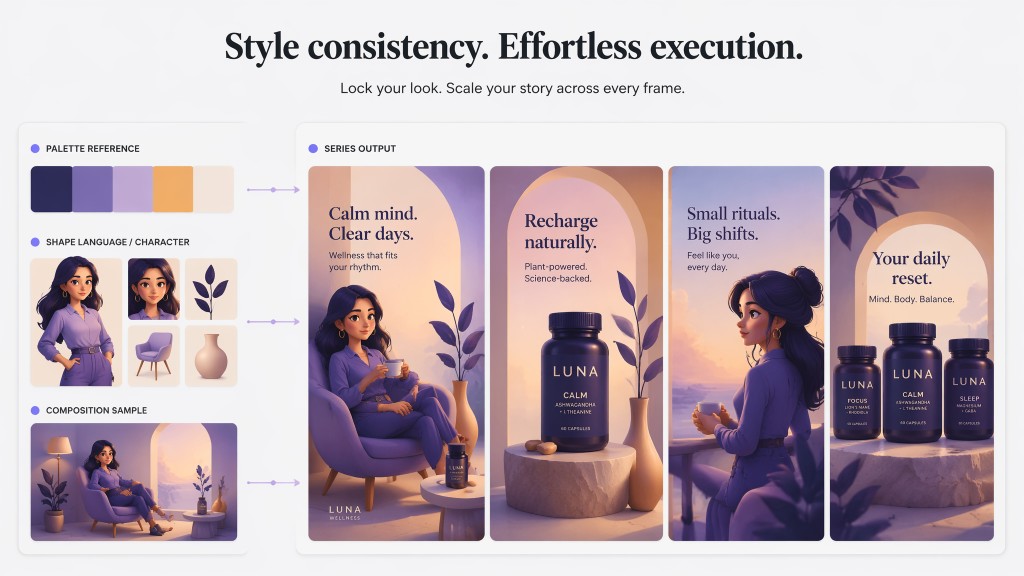
Use references for consistency
Reference images can guide style, composition, or character details.
Muse keeps visual direction aligned across a series.
This helps teams explore brand and campaign systems faster.
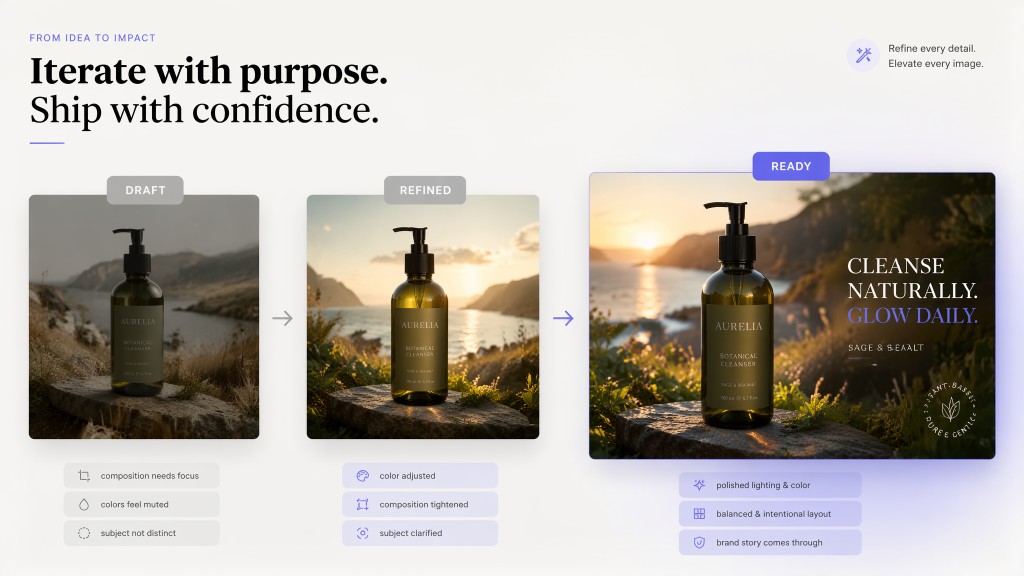
Review and refine results
Muse can diagnose why an image misses the mark.
You can refine style, color, layout, or subject details.
Important actions stay under your control before final use.
Why use Muse for AI image generation
Muse is not just a text-to-image box. It works like a personal AI assistant that helps shape the brief, the prompt, and the review process while you stay in control.
| Traditional design tools | Generic AI image tools | Muse | |
|---|---|---|---|
| Starting point | Requires design skills, templates, or manual layout work. | Usually starts from a single prompt box. | Starts by understanding the image purpose, audience, style, and format. |
| Prompt quality | The user must translate the idea into visual language. | Results depend heavily on prompt-writing skill. | Muse turns rough ideas into structured semantic prompts. |
| Workflow fit | Often separate from documents, campaigns, and planning work. | Mostly focused on image generation alone. | When connected with your permission, Muse can use chosen work context to shape assets. |
| Iteration | Manual revisions can take time across multiple tools. | Regeneration can feel random without diagnosis. | Muse helps review, explain, and refine direction step by step. |
| Control | The user manages every production decision manually. | The tool may only return outputs. | Muse asks before important actions, and you stay in control. |
Create an AI image in three steps
Start with a sentence, then let Muse structure the image brief and guide the output toward a usable asset.
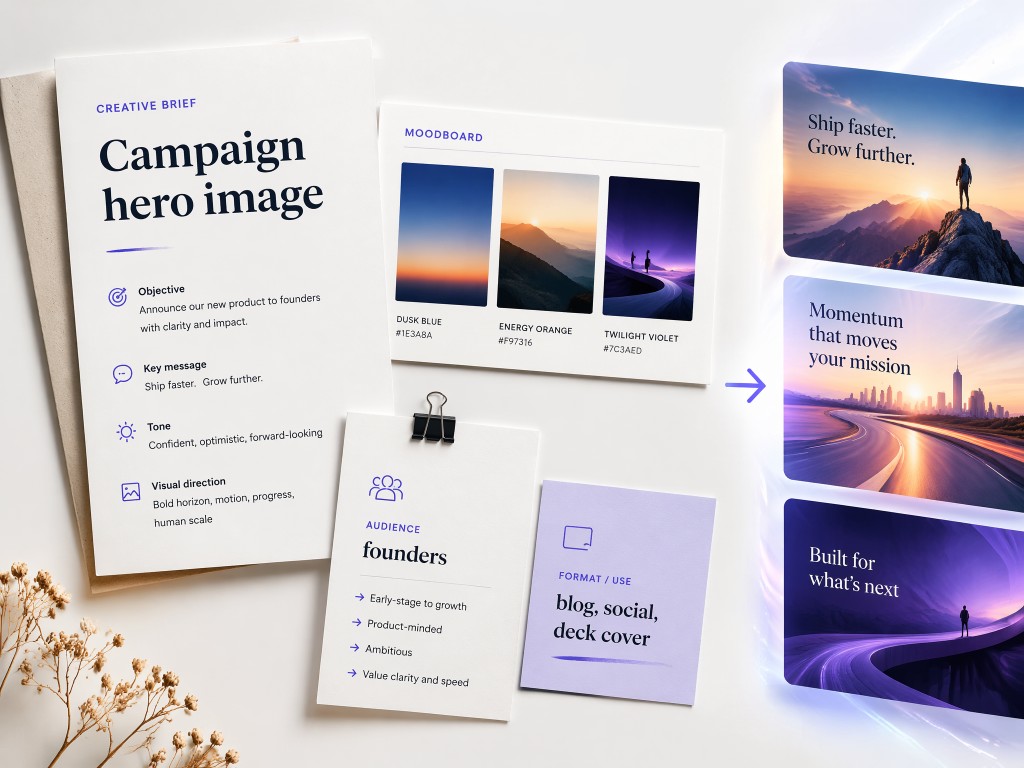
1. Tell Muse what you need
Describe the image purpose, subject, audience, and any style references.
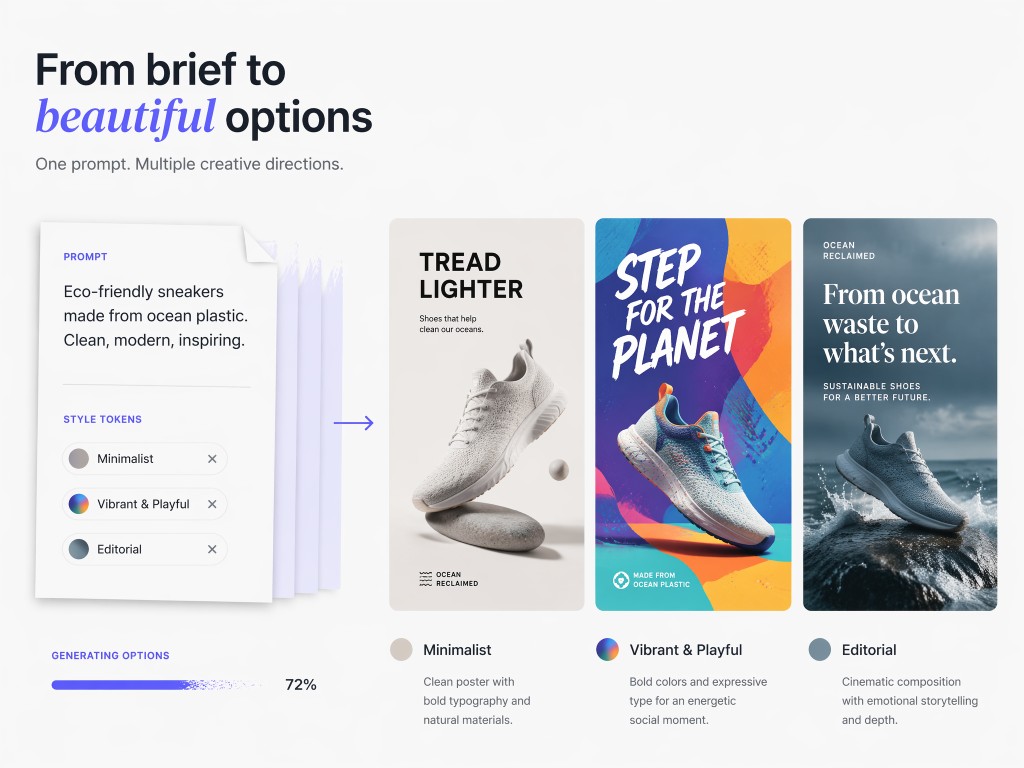
2. Muse builds the visual prompt
Muse turns the request into a structured prompt with format and style settings.
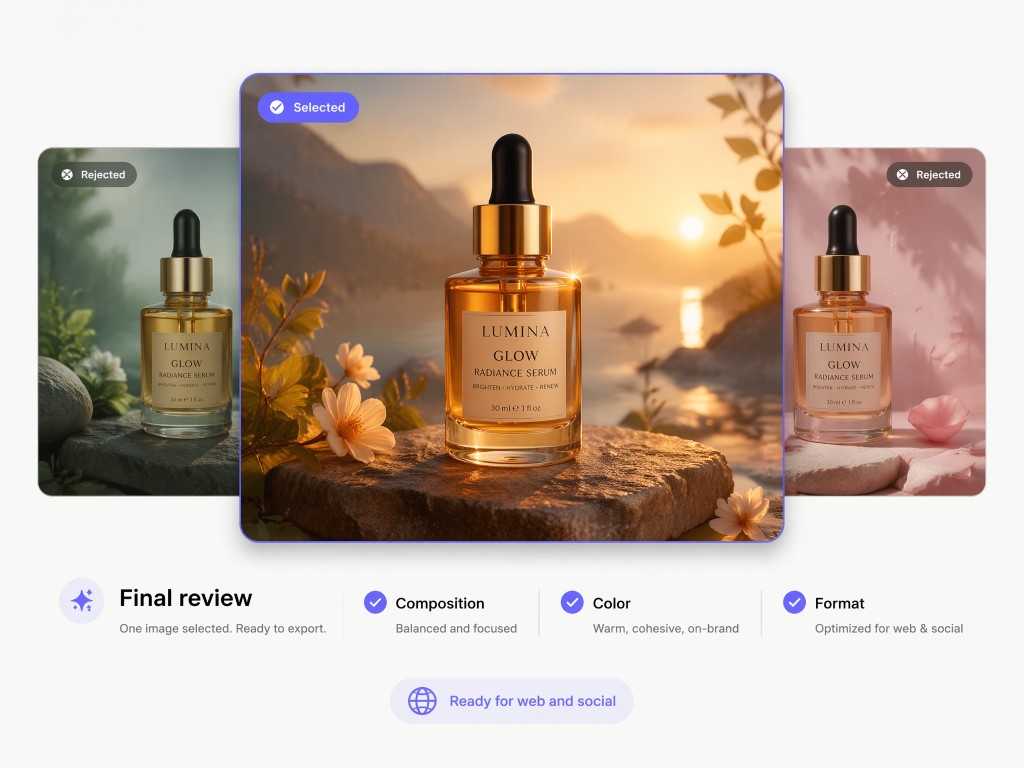
3. Review, refine, and share
Choose a result, ask for changes, and export the final visual when ready.
Try these AI image prompts with Muse
Use Muse as an image creator for work, marketing, product ideas, and personal creative projects.
See the kinds of images Muse can help create
From social posts to brand concepts, Muse helps shape image assets around a real purpose instead of leaving you with generic outputs.