Claude Sheets Explained: How to Use It and When to Stay in Excel
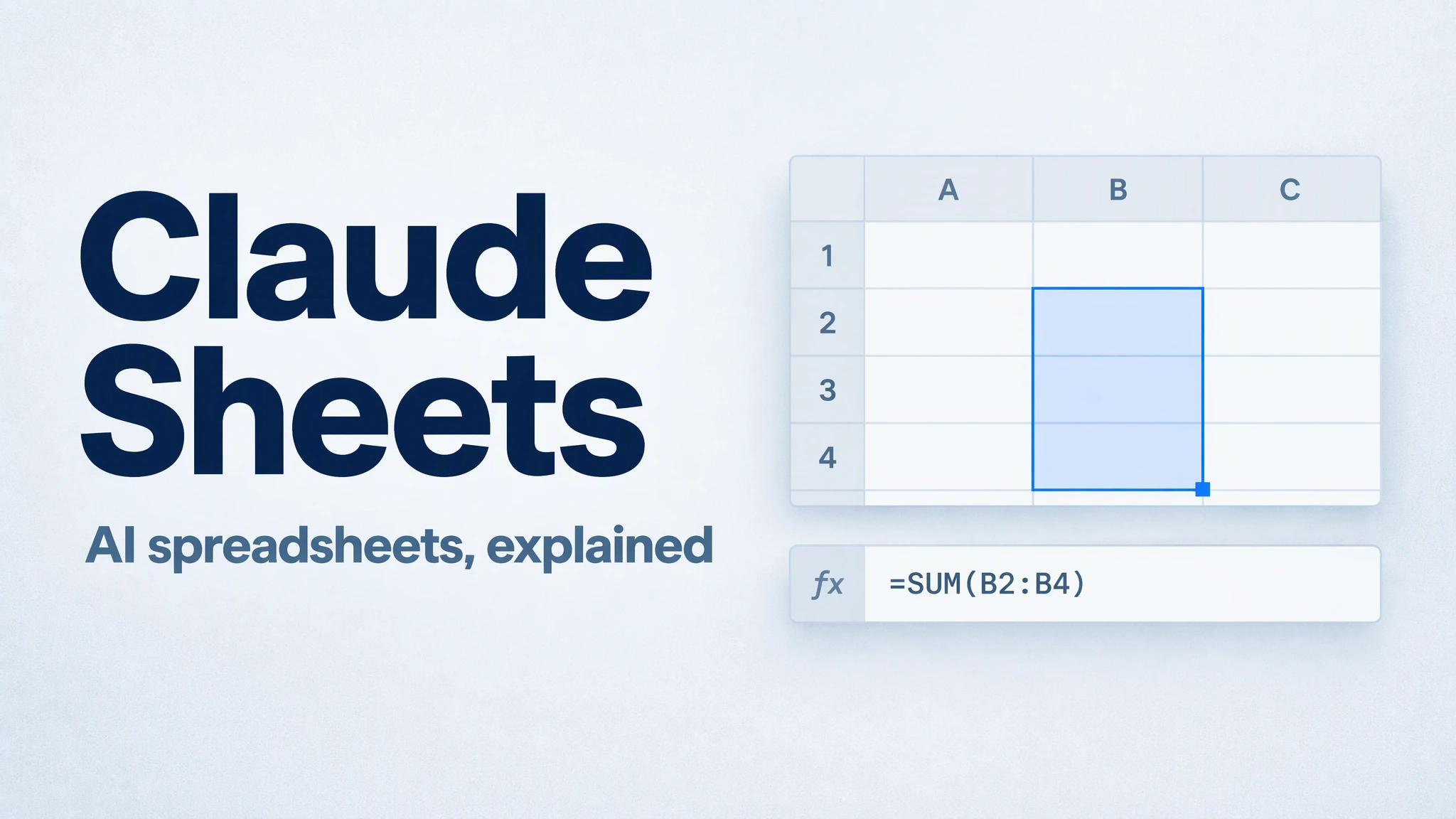
Claude Sheets is a spreadsheet built into Claude: describe a tracker or budget, and Claude can create a sheet that you, your colleagues, and Claude edit together. Anthropic introduced it in beta on November 10, 2026, alongside Claude Whiteboards.
The useful change is where the work happens. Instead of asking a chatbot for a table and rebuilding it elsewhere, you can continue editing the cells, formulas, and tabs inside Claude. For a lightweight campaign tracker or hiring budget, that gives you a practical place to start. For an established workbook with advanced Excel features, the choice is different.
What can Claude Sheets do?
Claude Sheets can create multiple tabs, write formulas across them, apply formatting and conditional formatting, and add dropdowns, checkboxes, and charts. Formulas remain in the cells, so you can inspect how a total was calculated. Claude outlines its edits as they arrive, and people with shared access can work in the same cells at the same time.
You can import CSV, Excel, or Google Sheets data, or begin with a blank sheet. Completed sheets can be exported as XLSX or CSV. Version history can restore an earlier version; doing so also removes subsequent edits.
Sheets is in beta on Claude Pro, Max, Ultra, Team, and Enterprise plans, and its use counts toward the account's usage limits. It is enabled by default for Team, while Enterprise owners must enable it in Organization settings → Artifacts. Web and desktop support editing; mobile currently provides basic read-only access.
How to build your first sheet
Start in a Claude chat and ask for a sheet, or open Artifacts, select the Sheets tile, and describe what you need. Give Claude the purpose, columns, calculation rules, and source data rather than only asking for “a budget.”
For example, a campaign manager could start with this request:
Create a campaign budget tracker from the data I provide. Include activity, owner, due date, approved budget, actual spending, and status. Calculate variance as actual spending minus approved budget, so positive values mean overspend. Keep missing amounts blank and flag them for review. Do not invent costs. Add a summary by activity and show the formulas.
Then refine the sheet in small steps: add a remaining-budget column, highlight overdue items, or select a range and ask why its total changed. Keep planned spending and actual spending separate. A blank value should not silently become zero, and commitments not yet paid should not be mixed into actual spending without an explicit rule.
Before sharing, check the source rows, a sample formula, and the totals. If you export a multi-tab workbook, use XLSX and inspect it in the destination app; CSV does not preserve workbook tabs, formatting, or formulas as an Excel workbook does.
Claude Sheets vs Claude for Excel and Google Sheets
The names sound similar, but they describe different starting points.
| Your starting point | A sensible choice |
|---|---|
| You need a small new tracker that your team can edit with Claude | Claude Sheets |
| Your working file already lives in Excel | Claude for Excel, an add-in inside Excel |
| Your working file already lives in Google Sheets | Claude for Google Workspace |
| Your process depends on advanced spreadsheet features | Keep the original spreadsheet tool and check which AI-assisted actions fit it |
Claude Sheets supports common spreadsheet work, not the full Excel feature set. At launch, it supports up to 100,000 cells and does not offer pivot tables or protected ranges. Macros, VBA, Power Query, and DAX are also unsupported. It cannot pull live data from connected apps, and other Claude documents, decks, or dashboards cannot use a sheet as a data source.
Those limits matter when choosing a workflow. A manually updated activity tracker is a reasonable starting point; a live financial reporting system is a different job. Claude Whiteboards is for shared visual planning, while Claude Data—formerly Claude Dashboards—is a separate data-analysis product. Their presence does not make Sheets a live reporting database.
When the spreadsheet is only part of the answer
A tracker can tell you where spending changed. It may not explain whether the change was approved, whether the campaign scope moved, or what the team should do next. That context may sit in a campaign brief and project notes, not in the cells.
Suppose you have an approved budget, an actual-spending export, and a campaign brief. The useful deliverable is a budget review: the differences, the explanations supported by the supplied material, the missing information, and the decisions still needed.
In MuseWork, you can provide those authorized files and ask your assistant to compare the evidence and prepare a structured review. MuseWork's Deep Research workflow can compare supplied sources and organize a report. It is relevant here because the task involves several materials, not simply editing one table. You can ask:
Compare my approved campaign budget, actual-spending file, and campaign brief for the same period and currency. Report the budget-versus-actual differences. Explain a difference only when the supplied material supports it; otherwise list the question to resolve. Create a concise management summary with source references and recommended follow-up actions. Do not change the source files or send the report.
Review the figures and explanations before using the result. If all you need is one column formula, keep the request small; a broader analysis workflow makes sense when the answer depends on several sources.
Review my campaign budget · Explore source-based analysis in MuseWork
References
FAQ
Is Claude Sheets free?
The announced Sheets beta is included in Claude's paid plans and uses the plan's existing usage allowance. That is separate from asking a chat assistant to produce a downloadable spreadsheet file.
Can Claude Sheets replace Excel?
It can handle lightweight sheets, but Excel-dependent workflows need features that Sheets does not currently provide. Choose based on the workbook and handoff requirements, not the AI label.
Can I use Claude Sheets inside MuseWork?
Claude Sheets is a feature of Claude. The MuseWork workflow above is a separate task for comparing files and preparing a review, not access to Claude Sheets.