'/%3e%3cdefs%3e%3clinearGradient%20id='paint0_linear_6609_68599'%20x1='3.18225'%20y1='15.6908'%20x2='32.433'%20y2='20.6207'%20gradientUnits='userSpaceOnUse'%3e%3cstop%20stop-color='%230048ED'/%3e%3cstop%20offset='1'%20stop-color='%230DECD7'/%3e%3c/linearGradient%3e%3c/defs%3e%3c/svg%3e)

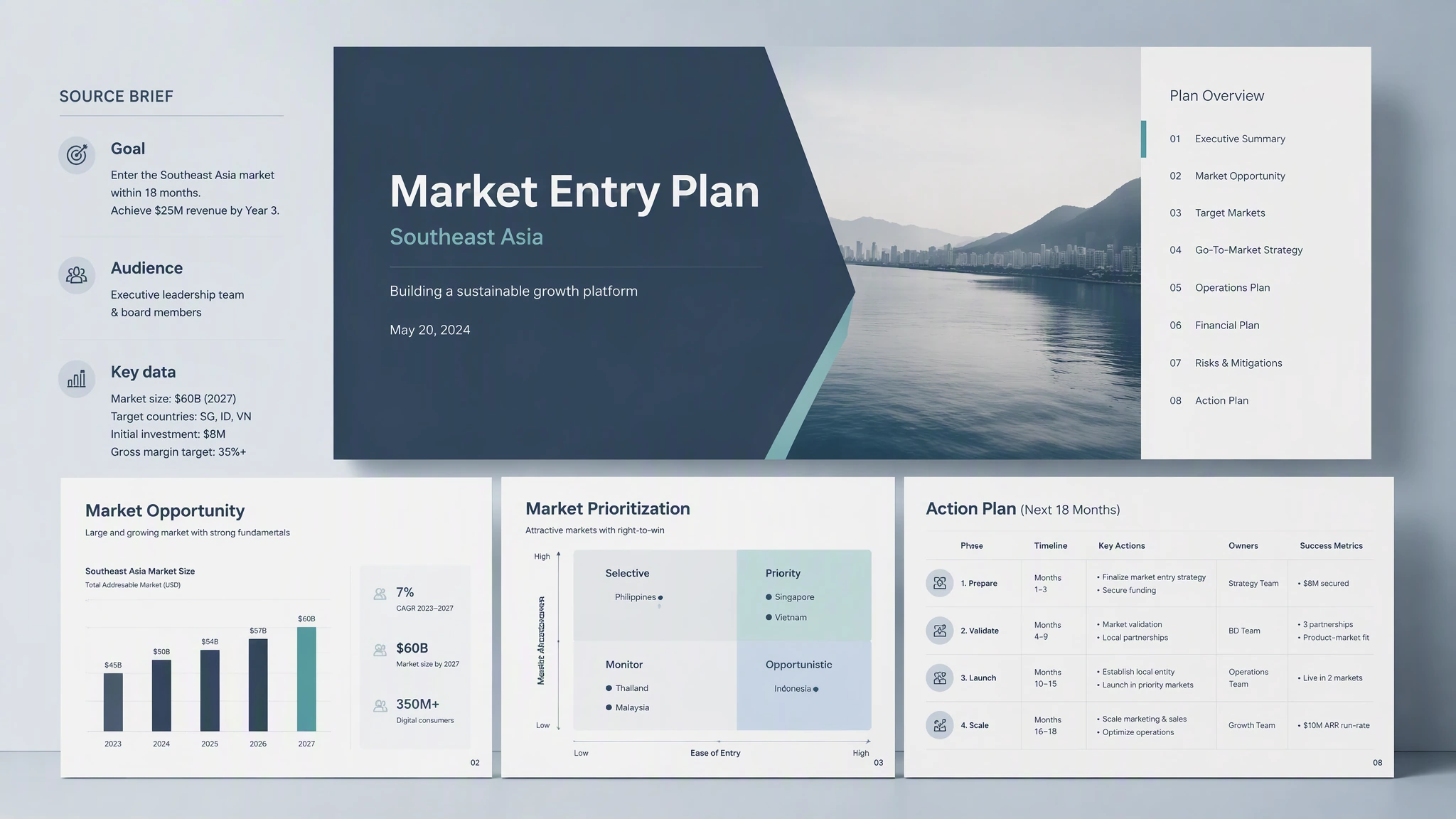
Generate a presentation from a prompt
Start with a topic, brief, audience, and goal.
MuseWork builds a coherent slide structure instead of a loose list of ideas.
Review and edit the draft before you present or share it.
Turn a prompt, PDF, notes, research, or an existing deck into a structured presentation. Refine the story, edit the slides, and export the result for your audience.
Go from source material to a structured deck, then keep editing the story, content, and design.
Start with a topic, brief, audience, and goal.
MuseWork builds a coherent slide structure instead of a loose list of ideas.
Review and edit the draft before you present or share it.

Start with a PDF, notes, research, or authorized workspace context.
MuseWork identifies the material that belongs in the presentation.
The result is reorganized for the audience instead of copied page by page.
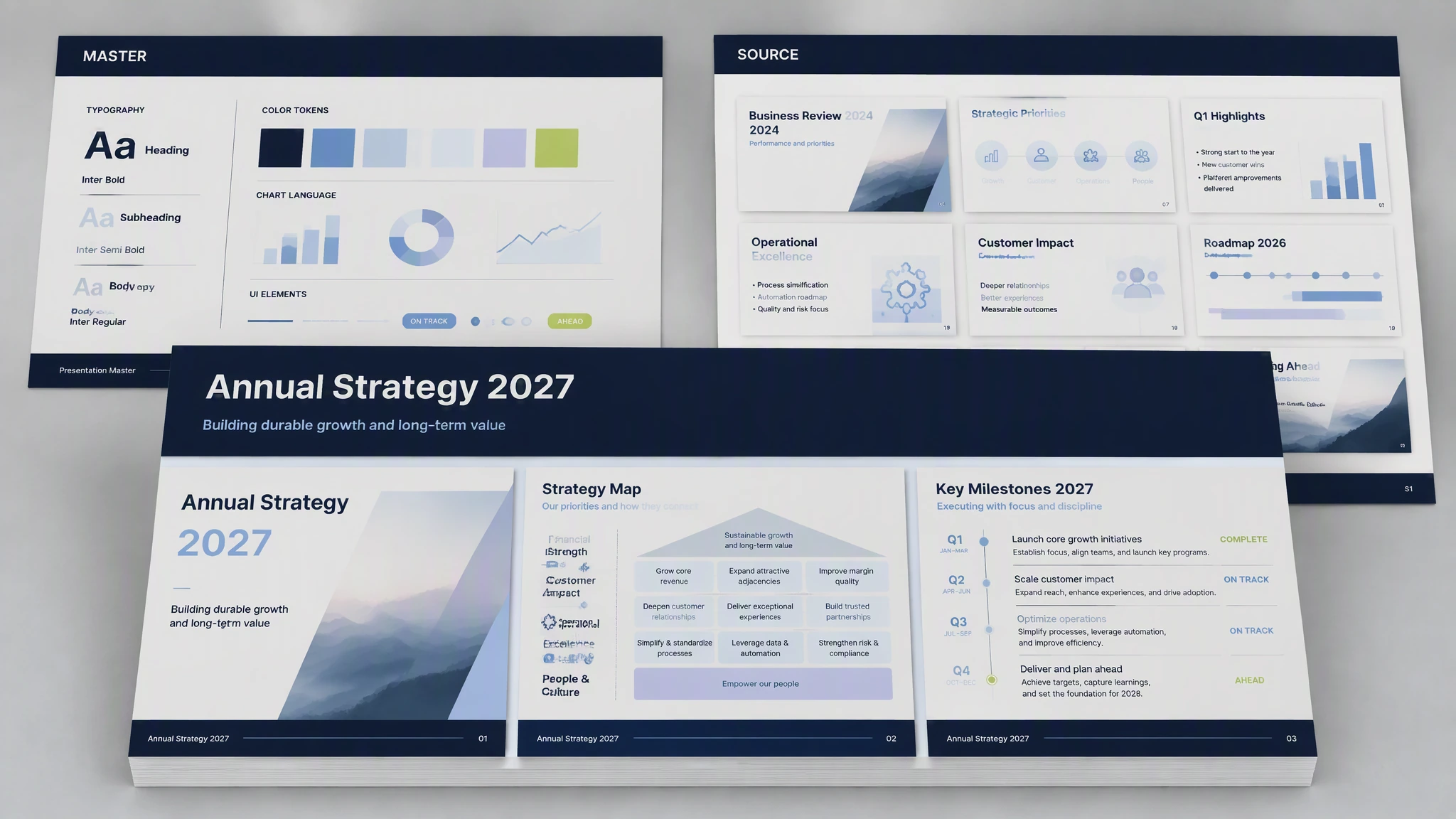
Use an existing PPTX as a source or visual reference.
Reorder, merge, rewrite, or expand the slides without starting over.
Keep refining the presentation as the message changes.
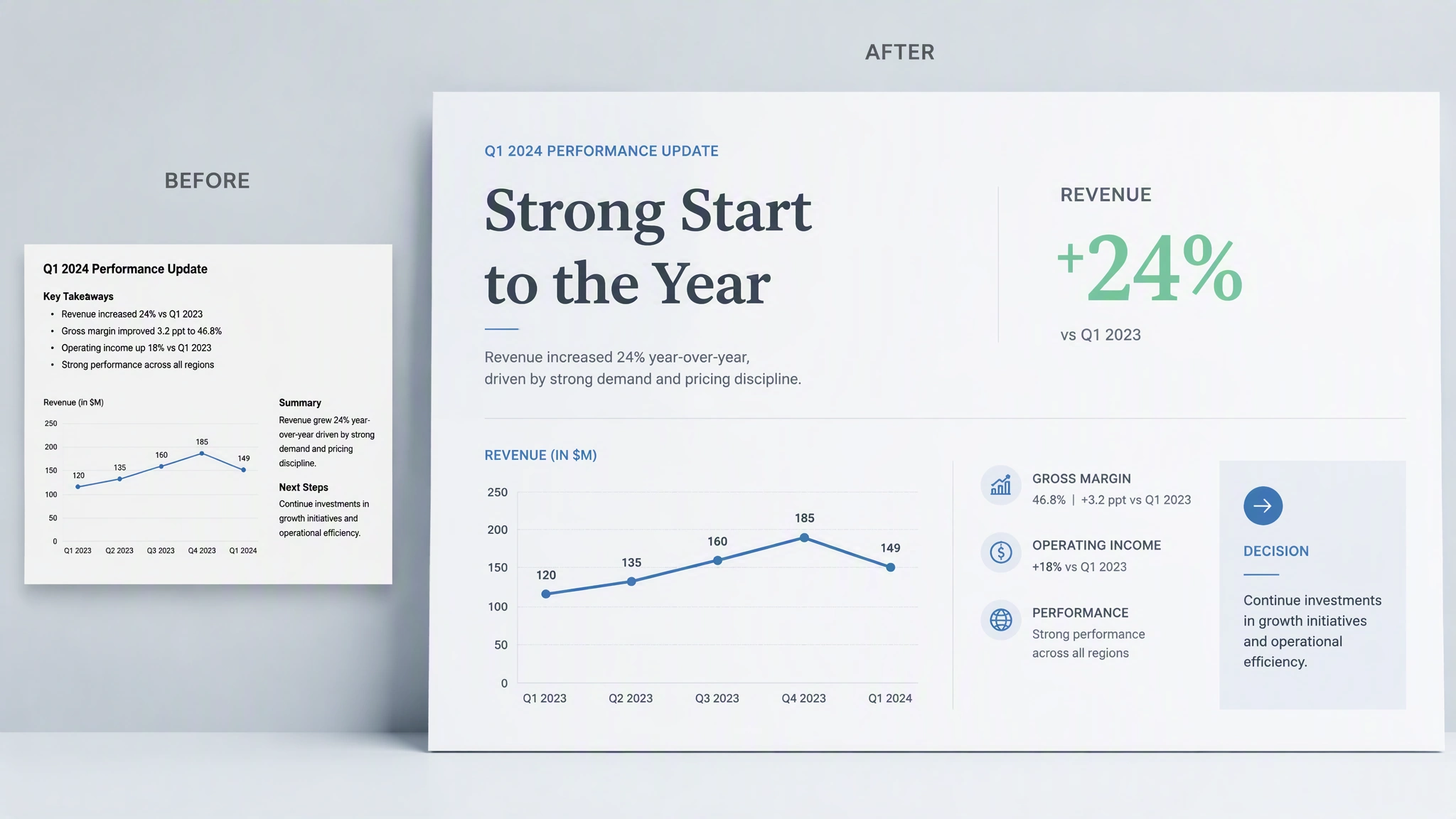
Strengthen the hierarchy, pacing, layout, and visual consistency.
Revise individual slides or rebuild the full deck when needed.
Stay in control of the final message and design choices.
MuseWork works from the material and context you choose to provide, helps shape the presentation around a real audience and goal, and leaves you with a draft you can review and refine.
| Traditional Slide Tools | Generic AI Tools | MuseWork | |
|---|---|---|---|
| Starting point | Blank slides and manual formatting | Prompt-based text or outline | Topic, files, notes, emails, meetings, or existing PPTX |
| Context | User manually gathers every source | Often limited to the current prompt | Uses permissioned context from tools you choose to connect |
| Output | Editable but slow to create | Fast but often generic | Polished, structured slides you can review and refine |
| Existing decks | Manual edits page by page | Limited file-aware editing | Read, extract, edit, reorder, merge, beautify, or rebuild PPTX workflows |
| Control | Fully manual | AI output may need heavy cleanup | MuseWork asks before important actions and keeps you in control |
Give MuseWork the context, review the proposed story, and refine the deck before sharing it.
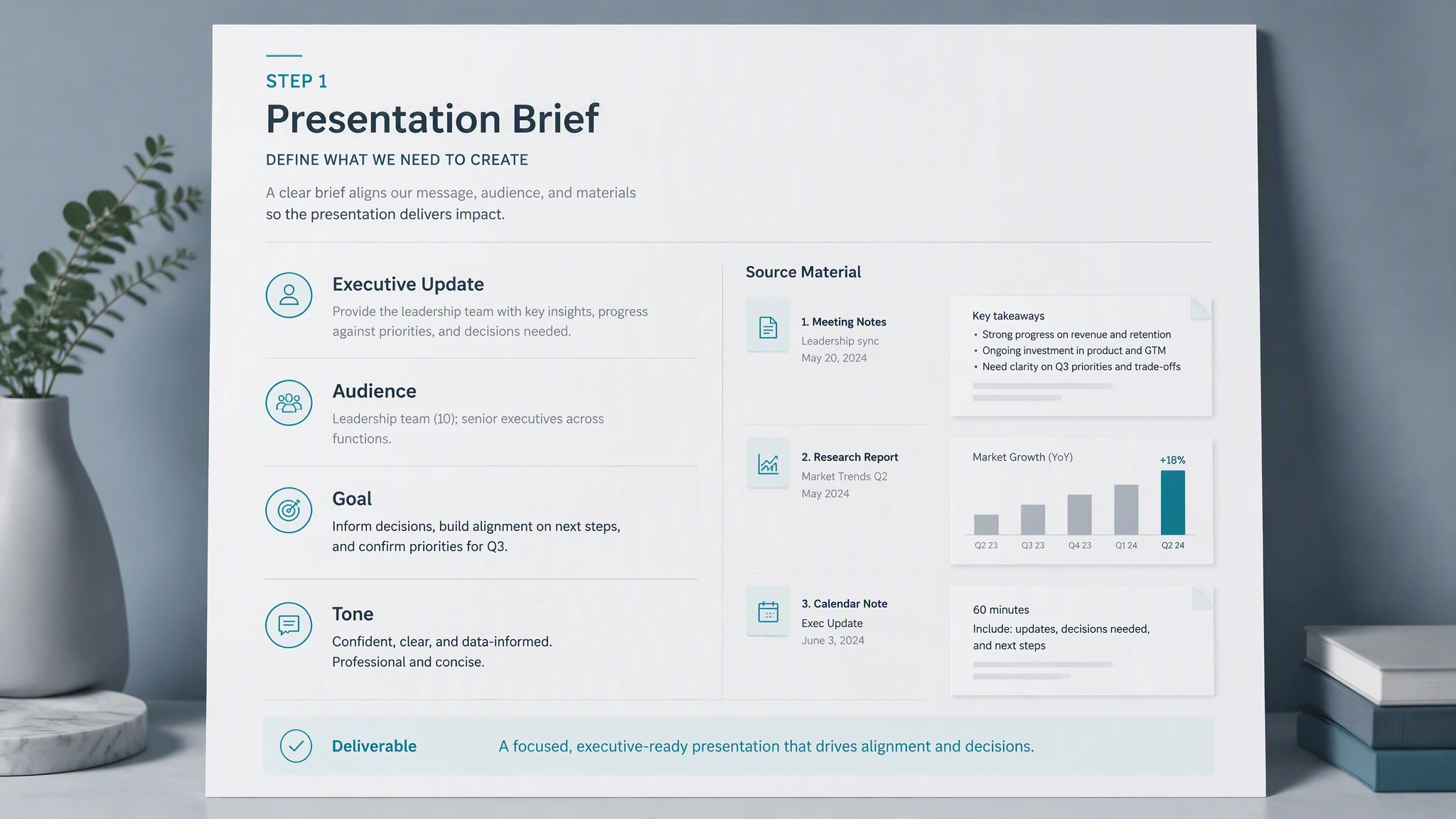
Describe the audience and goal, then provide a prompt, PDF, notes, research, or an existing deck.
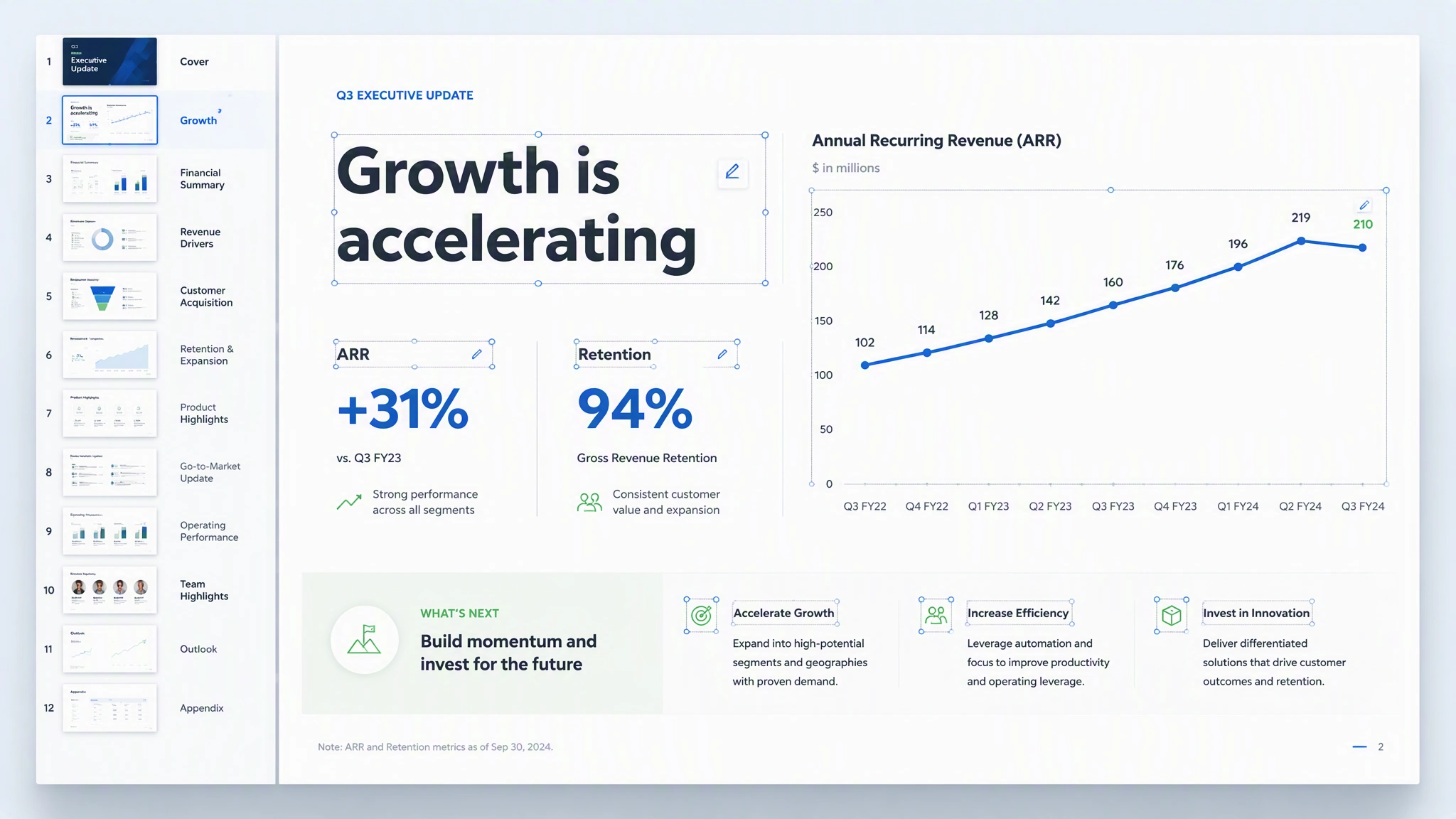
MuseWork organizes the material into a presentation structure and creates the first visual draft.
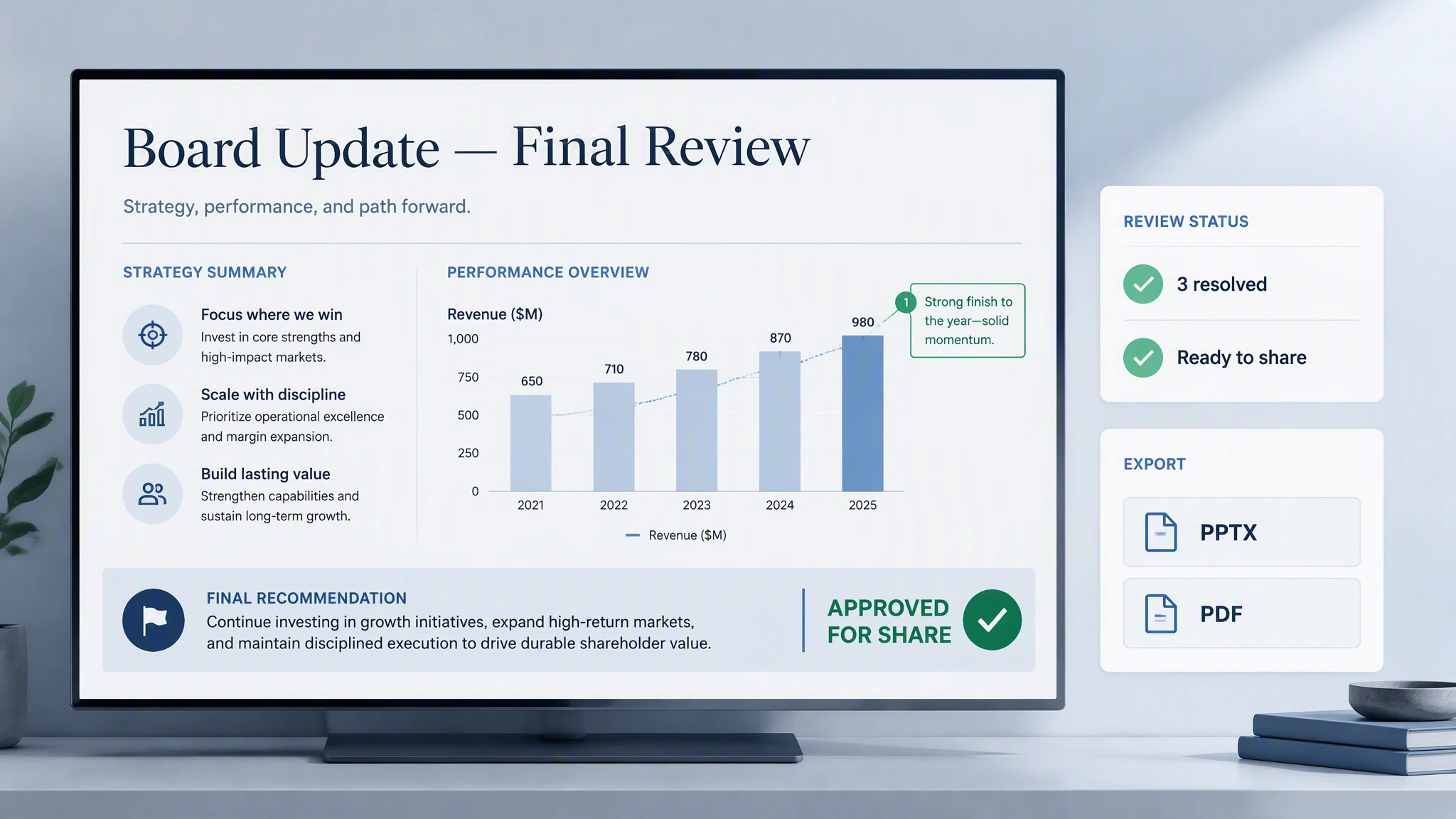
Check the content, revise the structure and visuals, and export the presentation in a supported format.
Use MuseWork for real presentation work — not just generic outlines.
Explore how source material becomes a structured presentation for a specific audience, message, and decision.
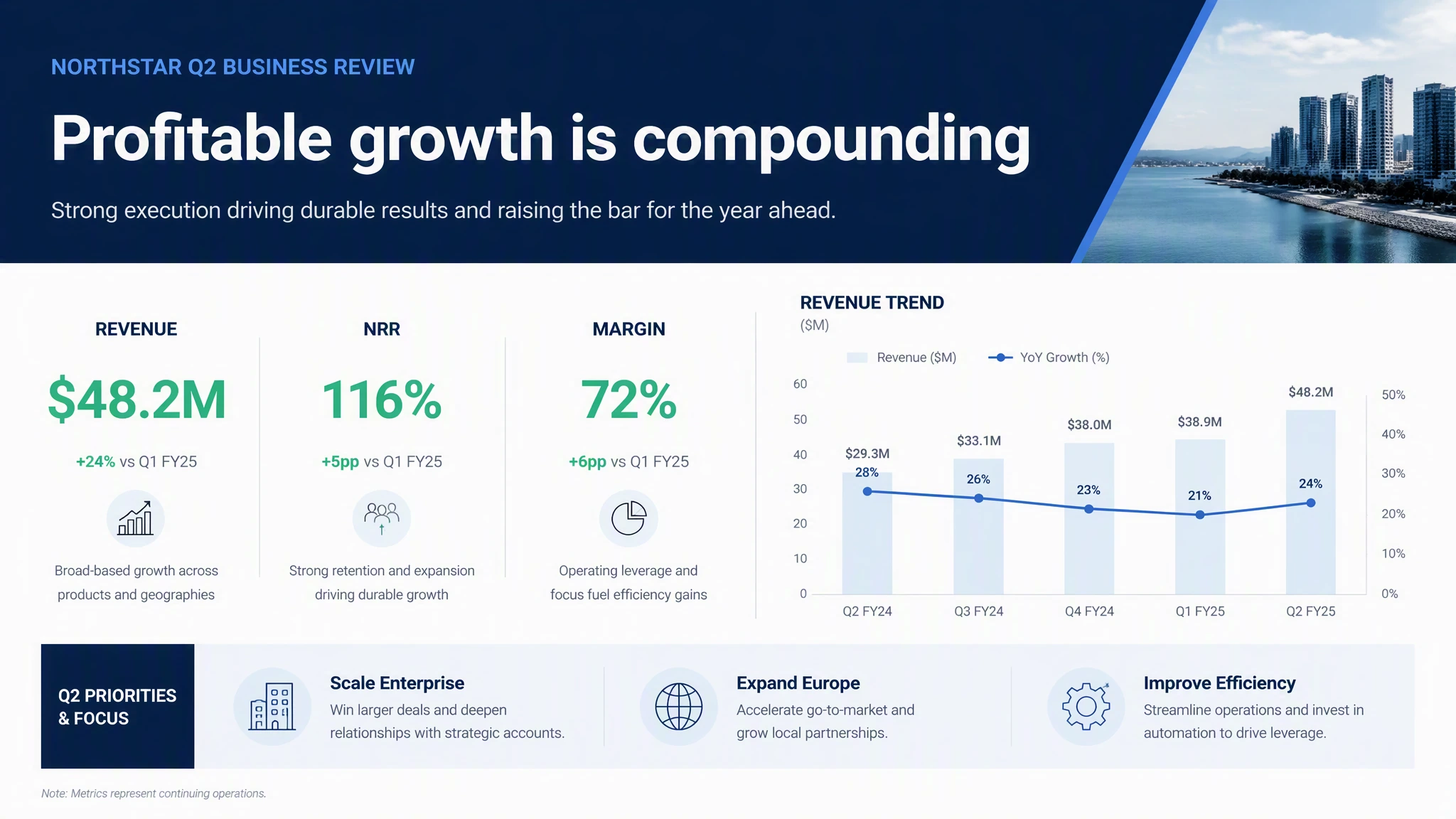


Start with a prompt or the material you already have, then review and refine the deck before you share it.
Create a presentation for free