Create Work-Ready Images from Any Idea or Reference
Start with a sentence, an existing image, or two to five references. MuseWork understands the visual you need, creates it in the right format, and helps you refine it for campaigns, presentations, brands, products, and more.
Choose a style
Design Images
Try these
Everything you need to turn an idea into a usable image
Move from a rough request to a polished visual without becoming a prompt expert or rebuilding the same brief across tools. MuseWork keeps the purpose, references, format, generation, and refinements together.
Start with the outcome, not the prompt
Tell MuseWork what the image needs to accomplish and where it will be used.
It turns your goal, audience, subject, style, and mood into one clear direction.
You can begin with an ordinary request instead of learning prompt formulas.
From one-off generations to a repeatable visual workflow
A useful image takes more than a well-written prompt. MuseWork keeps the goal, audience, references, format, generation, and feedback connected so you can create confidently and carry a strong direction across the rest of your work.
Traditional design tools
Generic AI image tools
MuseWork
Starting point
Requires design skills, templates, or manual layout work.
Usually starts from a single prompt box.
Start with the result you need; MuseWork shapes the visual direction before generating.
Prompt quality
The user must translate the idea into visual language.
Results depend heavily on prompt-writing skill.
Describe the outcome normally; MuseWork develops the subject, composition, lighting, palette, mood, and use.
Workflow fit
Often separate from documents, campaigns, and planning work.
Mostly focused on image generation alone.
When connected with your permission, MuseWork can use chosen work context to shape more relevant visual assets.
Iteration
Manual revisions can take time across multiple tools.
Regeneration can feel random without diagnosis.
Keep the direction you like and ask for focused changes without rebuilding the brief.
Control
The user manages every production decision manually.
The tool may only return outputs.
You choose the references, direction, format, resolution, and final result.
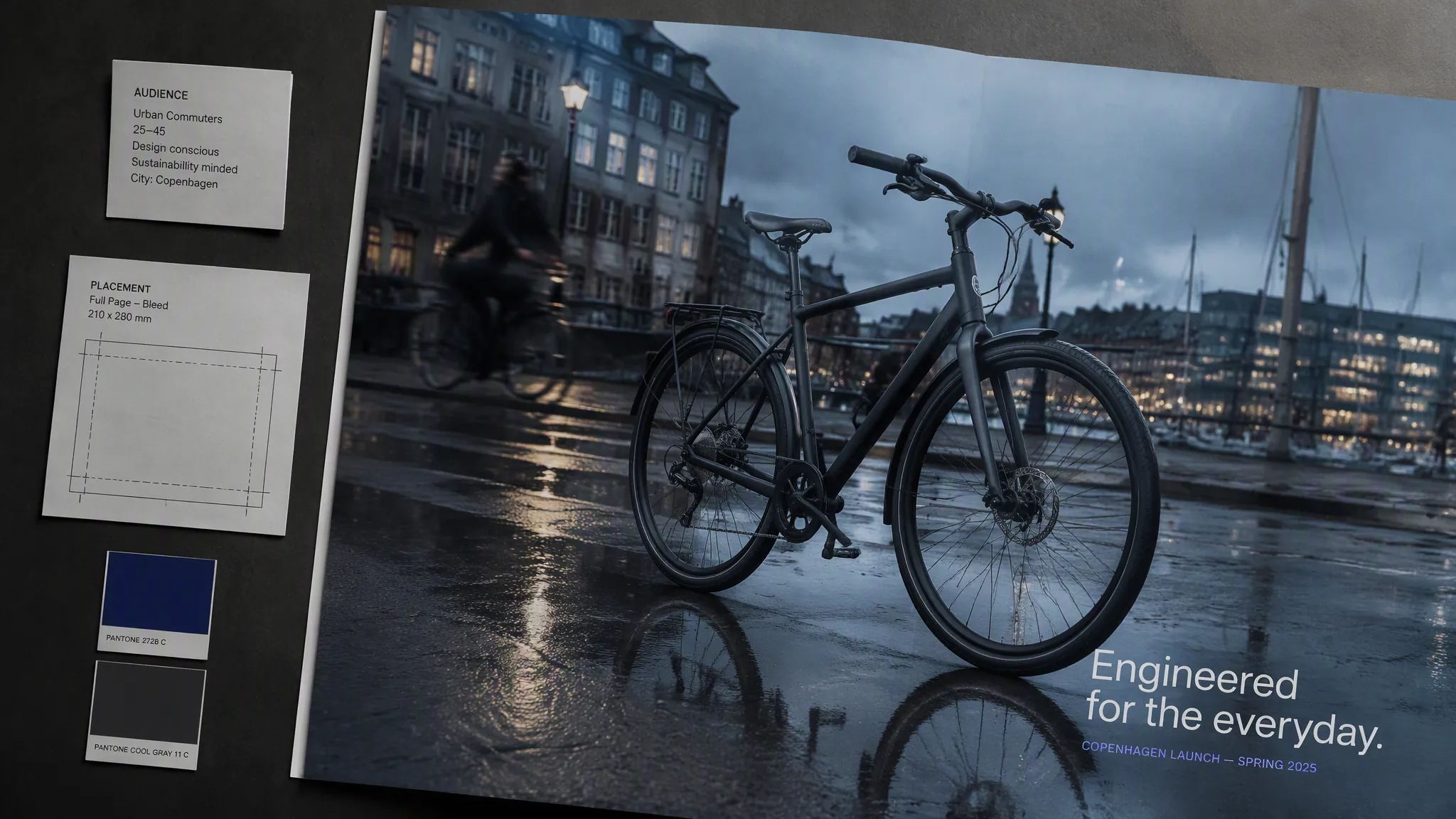
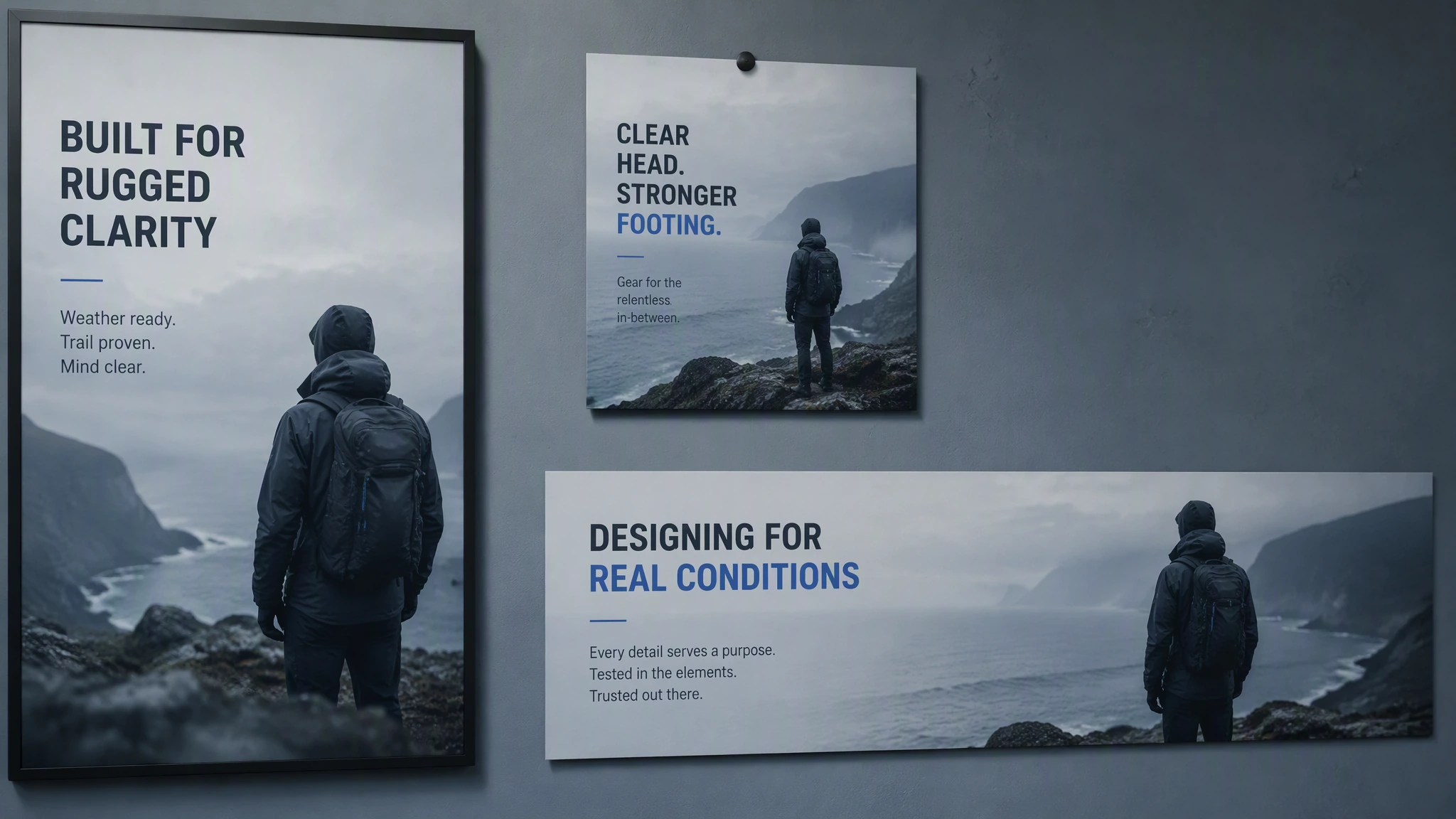
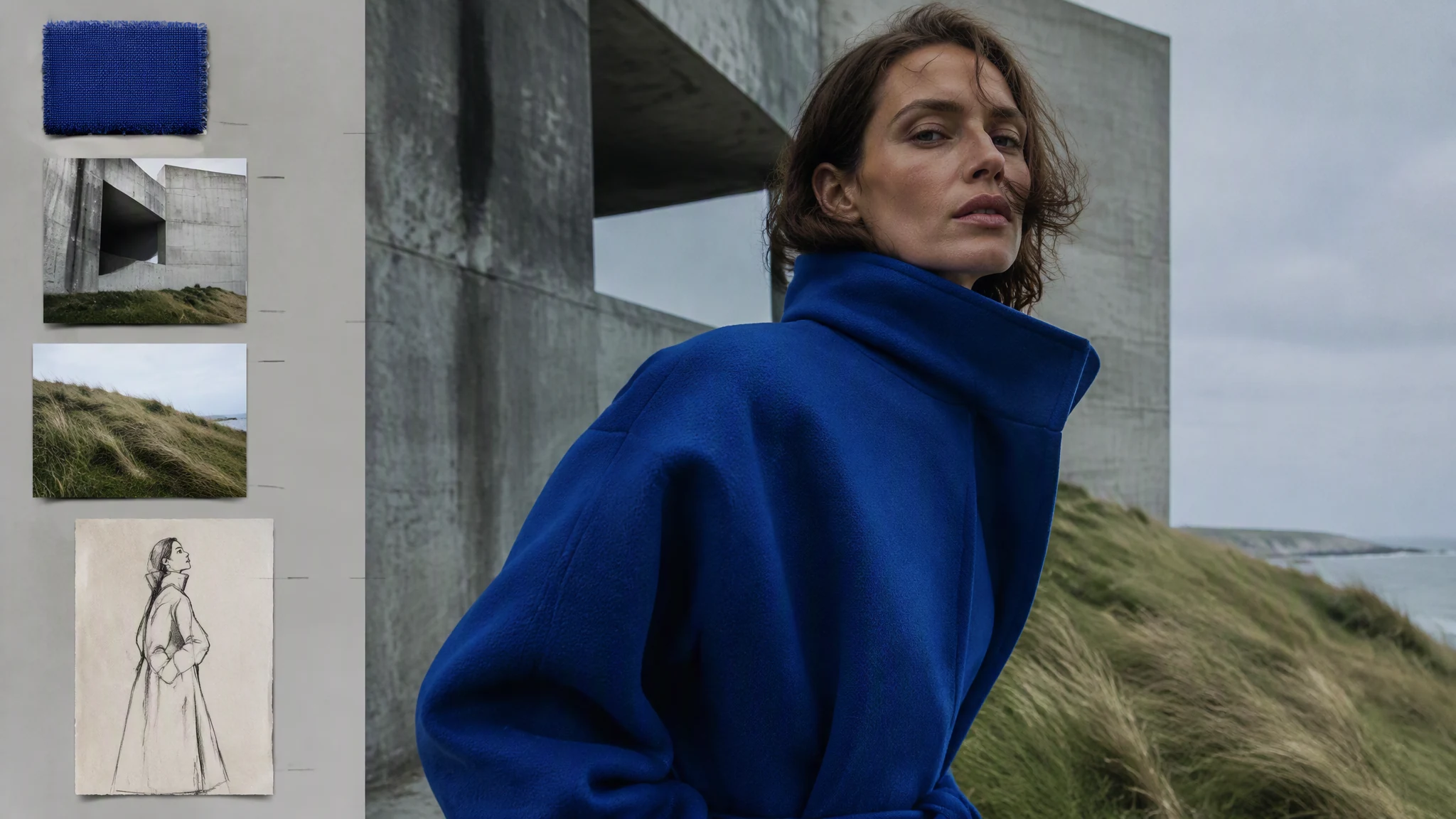
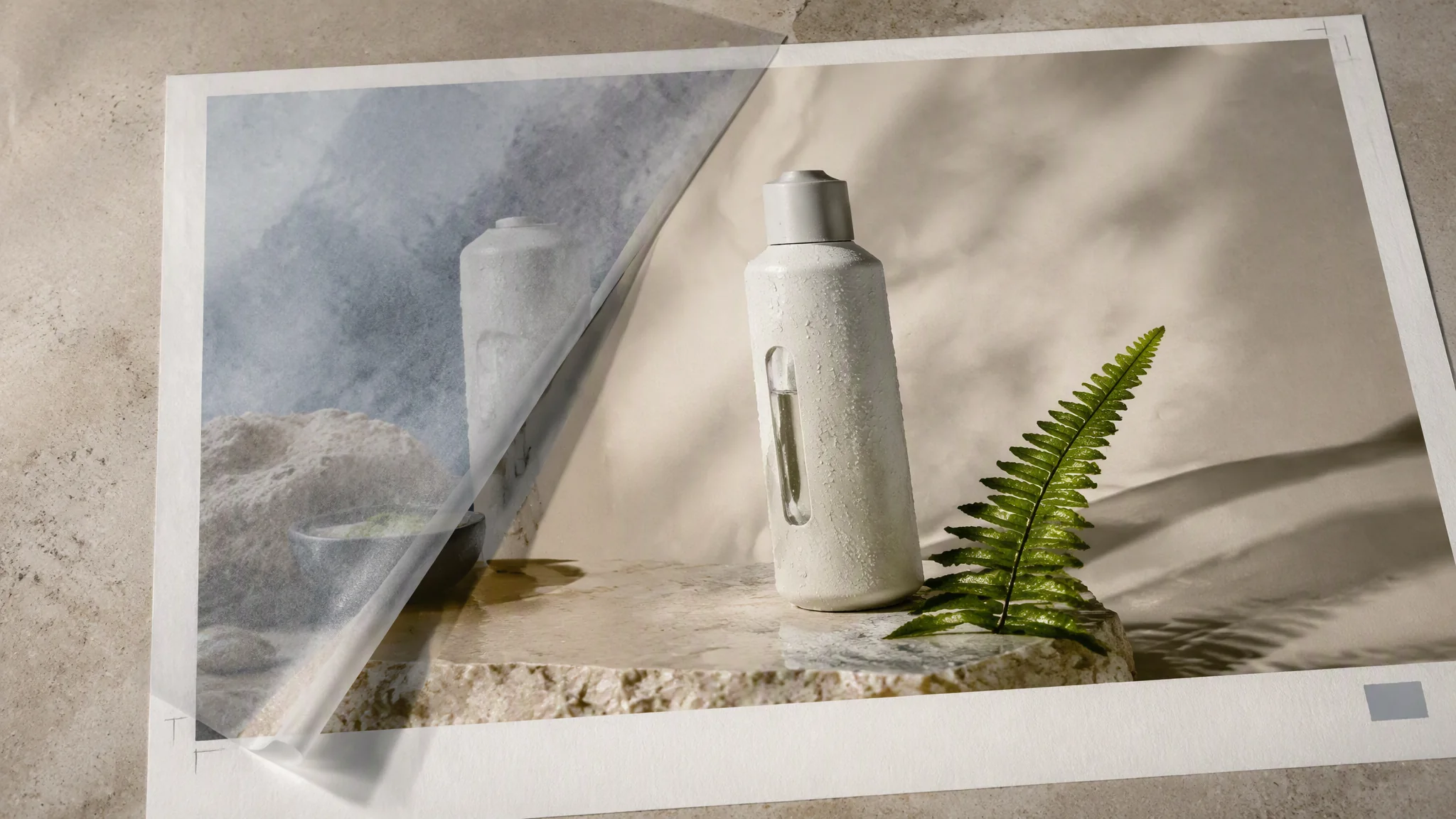
Pick a task, adapt the details, and let MuseWork turn your request into a complete visual direction. You can refine the result as the project takes shape.
Turn one clear request into polished visuals for content, campaigns, launches, presentations, and brand exploration—ready to carry into the next step of your work.
'/%3e%3cdefs%3e%3clinearGradient%20id='paint0_linear_6609_68599'%20x1='3.18225'%20y1='15.6908'%20x2='32.433'%20y2='20.6207'%20gradientUnits='userSpaceOnUse'%3e%3cstop%20stop-color='%230048ED'/%3e%3cstop%20offset='1'%20stop-color='%230DECD7'/%3e%3c/linearGradient%3e%3c/defs%3e%3c/svg%3e)