Databricks Genie Explained: What Always-On AI Means for Work
Databricks announced a new generation of Genie on November 11, 2026: an enterprise AI agent designed to keep working on an assignment, track what changes, follow up on missing information, and bring decisions back to people. The shift is from asking for an answer to delegating an ongoing responsibility.
The features are at different stages of availability. Databricks says Genie and Genie Ontology are generally available to its customers, while the new always-on Genie is coming to preview and beta programs.
For a manager preparing a weekly business review, the useful question is straightforward: can AI turn scattered numbers and updates into a report that explains what changed, what the evidence supports, and what still needs a decision?
What changed in the new Genie?
The November update adds a more proactive way of working. A user sets a goal and boundaries; Genie is designed to manage progress over time rather than wait for a new prompt at every step.
Databricks describes three practical parts of that experience:
- Long-running jobs: work can continue in the background on Genie's own compute, on a schedule or in response to a trigger.
- Follow-through: Genie can delegate parts of a job to subagents and follow up when an input is missing.
- A decision-focused inbox: items needing attention appear in a priority inbox, with email alerts linking back to the work.
This builds on more than a simple data chatbot. Earlier Genie experiences already helped business users work with data and create artifacts. The distinctive November change is the emphasis on keeping an assignment moving as new information arrives.
Databricks' examples include tracking revenue trends, watching customer usage, and proposing campaign budget changes for approval. Each involves an ongoing responsibility with a clear point for human review.
Why Genie Ontology matters
A business report depends on definitions as much as calculations. “Revenue” might mean booked contracts in one spreadsheet and recognized revenue in another. “Active customer” may have a specific definition that a generic assistant would not know.
Genie Ontology provides a shared map of business definitions, metrics, relationships, people, and processes. Databricks says it learns from materials such as dashboards, queries, and notebooks, while teams can establish authoritative definitions through Unity Catalog.
Genie Search is the related search layer announced for finding information across business data and connected applications. Ontology supplies the meaning; search helps locate the relevant evidence. Neither removes the need to agree on which metric or source should govern a decision.
The system runs within an organization's Databricks environment. Unity Catalog governs access, and Unity Gateway provides controls for tool use, approvals, tracing, and spending limits. Those controls belong to the Databricks setup and need to be configured for the organization's work.
What a useful weekly review should contain
Imagine your sales figures suggest a slowdown, but customer notes tell a less obvious story: several deals are waiting on implementation timing rather than rejecting the product. A useful review should connect those materials without treating a plausible explanation as a proven cause.
Before assigning the work, prepare four inputs:
- The current and previous week's sales data, using the same reporting period and metric definitions.
- Customer feedback or account updates that help explain the changes.
- The team's goals and the definition of each reported metric.
- The people responsible for resolving open questions.
Ask for a short executive summary, a comparison of key changes, references to the supporting files, and a separate list of unresolved questions. Recommendations should name the evidence behind them and the person who needs to decide.
A report that says “sales fell because demand weakened” is less useful than one that distinguishes a measured decline from the possible reasons and identifies the next question to investigate.
Start with a review from your own files in MuseWork
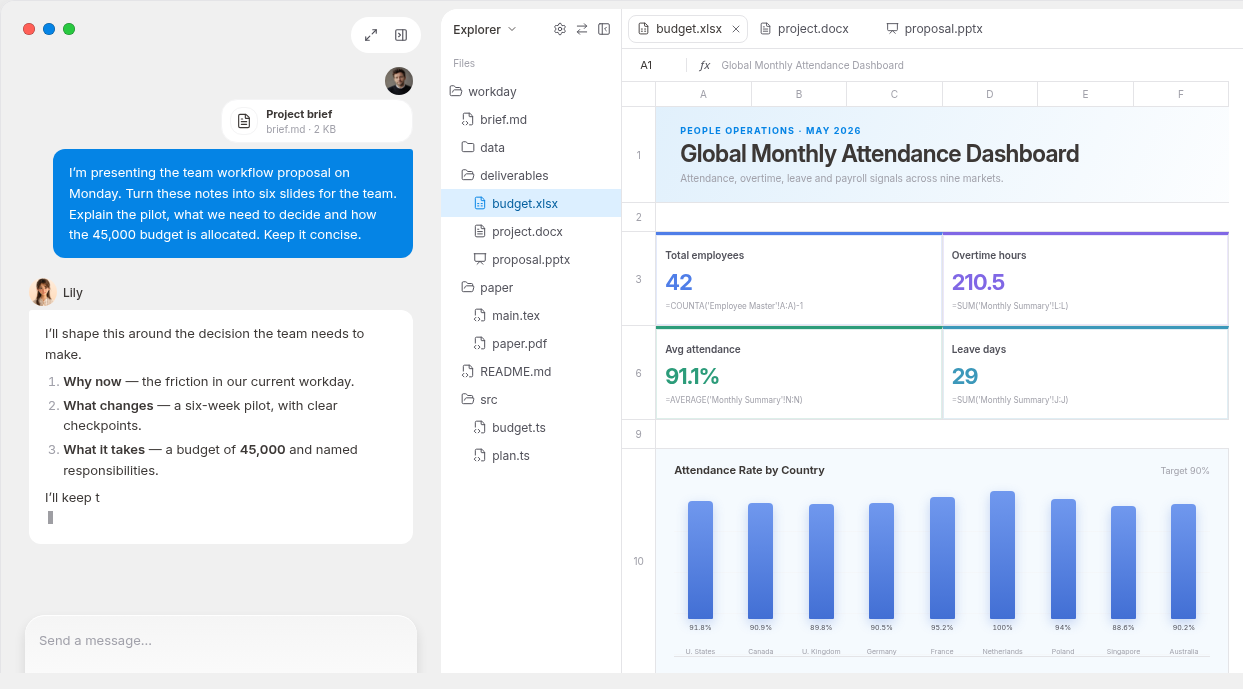
You can apply that approach to a bounded task before adopting an always-on enterprise workflow. In MuseWork, Deep Research can work from files and notes you provide, analyze evidence, and produce a structured report you can review and refine. It fits this assignment when you need to reconcile multiple sources, not merely summarize one document.
Use authorized materials and give the task a clear finish line. For example:
Create a weekly business review for our sales lead from the attached current and previous week's sales files, customer feedback, and team goals. Confirm that the reporting periods and metric definitions match before comparing them. Summarize the most important changes and cite the supporting file and sheet or section where available. Separate established facts from possible explanations. If a definition or value conflicts, list the question rather than choose silently. End with a concise list of decisions, proposed next steps, and owners to confirm. Do not contact customers or change source records.
Review the calculations and proposed actions with the responsible people before sharing the report. This is a standalone MuseWork task; it does not require a Genie connection or imply that MuseWork is operating inside your Databricks environment.
Create a business review from your files. If you want to understand the workflow first, see how MuseWork Deep Research turns source material into a report.
References
FAQ
Is the new always-on Genie available now?
Databricks' November 11 announcement says the new always-on Genie is coming to preview and beta programs. It separately describes Genie and Genie Ontology as generally available. Check the feature's release information and your organization's configuration before planning a rollout.
Does “always-on” mean no human decisions?
No. The described workflow includes an inbox for decisions, approval rules, and administrator-defined boundaries. The agent can keep an assignment moving while people retain responsibility for the choices that need their judgment.
Do I need Databricks to create a weekly report in MuseWork?
No. You can assign MuseWork a report based on the files and notes you are allowed to provide. That task is separate from configuring Genie, enterprise data access, or continuous monitoring.