Introducing MuseWork Team: Get work done with AI, across your team
Today, we're introducing MuseWork Team—a team subscription that brings shared credits, separate personal and team data, and centralized member and billing management to MuseWork.
When several people use AI for everyday work, individual subscriptions can become awkward to manage. One person needs more capacity to finish a proposal while another barely uses their allowance. Bills arrive separately, and personal work needs to stay separate from company tasks.
MuseWork Team gives your team a common way to pay for and manage that work. Members use MuseWork to organize materials, analyze data, prepare reports, and create presentations. Your team shares a credit pool, while authorized managers handle access, usage, and the subscription. You can start with two paid seats.
Shared credits that follow the work
Every paid seat adds monthly subscription credits to a single team pool. Members draw from that pool when working in their team profile, rather than spending credits from their personal accounts.
At the base tier, each seat adds 5,000 credits per month. A five-seat team therefore has 25,000 monthly credits to share. Those credits don't have to be divided equally: a member preparing a substantial report can use more while colleagues with lighter workloads use less. Total usage is still limited by the team's available balance.
Paid members can use premium features to create documents, images, slides, research reports, websites, and charts. If the team needs more capacity, an owner or super admin can buy add-on credits or upgrade the credit tier.
Keep personal work and team work separate
Joining a team doesn't mean bringing your personal history into it. One MuseWork account can switch between personal use and multiple teams. Switch between them from your profile menu to work in the right environment.
Personal and team identities have separate data and benefits. Tasks, conversations, memory, scheduled tasks, skills, connectors, and library data are kept separate between your personal identity and different teams. Each team also has its own settings; your name and avatar within a team apply only there.
You can keep using MuseWork personally and use the team subscription for team work. Joining a team does not automatically share your personal conversations or memories with colleagues.
Invite people and give them the right access
Owners and authorized managers can invite members by email or create an invite link. Email invitations support multiple addresses. Invite links can have an expiration date and require approval, so you can choose how new people join.
Roles separate everyday work from administration. Owners and super admins manage subscriptions, credits, and billing. Admins can handle member management within their permissions, while members focus on their tasks.
For someone who only needs to see the finished work, guest access offers a lighter option. Guests can view and download shared deliverables without using a paid seat. They can't create tasks or send prompts.
When someone no longer needs access, an authorized manager can deactivate their membership. This blocks access to the team and its data while retaining that person's team data, with reactivation available later. The owner can also transfer ownership when management responsibilities change.
Understand usage and manage one team subscription
Authorized managers can see credit consumption, task counts, Agent runtime, and user-message totals. Usage history adds daily credit trends and member-level statistics, with date filters and exports to help you understand how the team uses its resources.
That visibility makes it easier to choose capacity based on actual work, rather than headcount alone.
Owners and super admins can manage the subscription and payment method, review payment history, and download invoices in Subscription & Billing. As your needs change, you can add seats or increase the credit tier. Eligible immediate upgrades take effect after successful payment; changes saved for the next renewal take effect in the next billing cycle. The relevant costs and subscription details are shown before confirmation.
Start with two seats
MuseWork Team offers monthly and annual billing. Base-tier pricing is:
| Billing option | Price per paid seat | Monthly credits added per seat |
|---|---|---|
| Monthly | US$20 per month | 5,000 |
| Annual | US$200 per year | 5,000 |
Annual billing saves approximately 17% compared with twelve monthly payments at the base rate. Subscription credits refresh monthly on both billing options—not all at once for the year.
Higher credit tiers are available. Add-on credits cost US$5 per 1,000 credits. They don't expire, but can only be used while the team has an active paid subscription. After the subscription ends, unused add-on credits are locked until you resubscribe. Applicable taxes are shown at checkout.
Bring your next project to MuseWork Team
Sign in with your personal account, choose the option to create a team, and select your billing interval, seat count, and credit tier. Your team is created after successful payment, and you can invite members right away. Members don't need a separate personal paid plan to use their paid team seat.
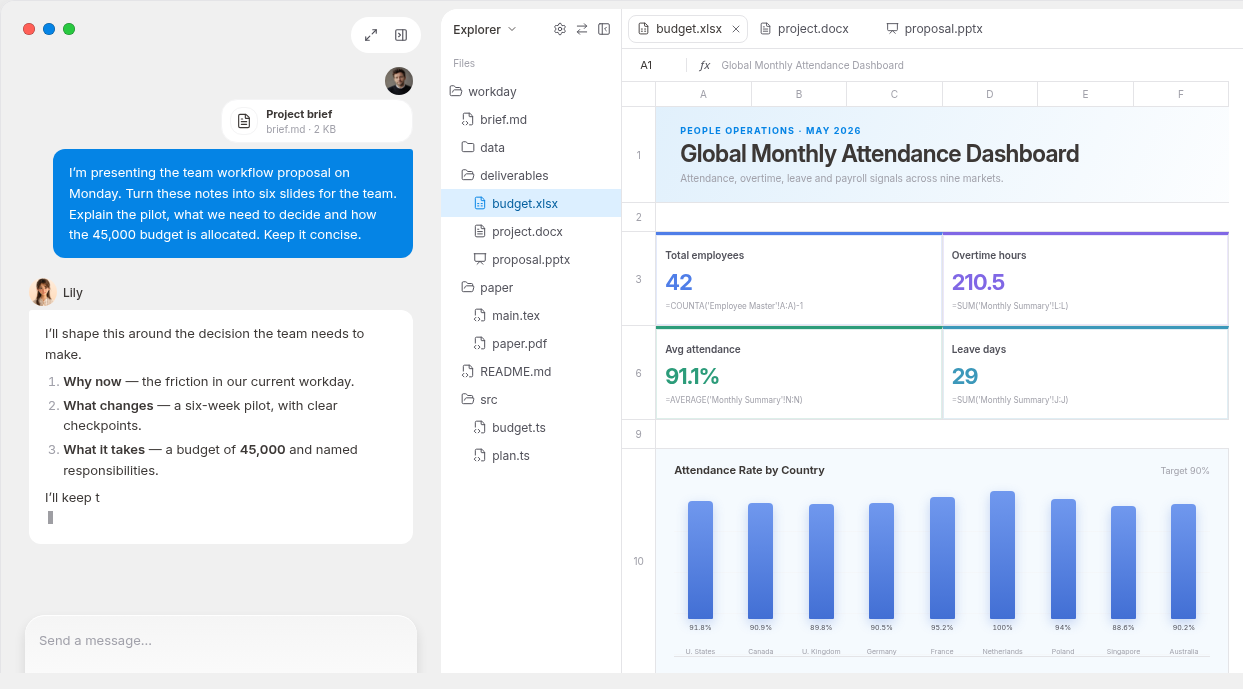
Start with work that's already on your calendar. For a client proposal, for example, provide the brief and supporting materials, ask MuseWork to identify requirements and open questions, then turn the confirmed direction into a proposal and presentation. Members work under their own team identities using the same credit pool, and share selected deliverables with colleagues or guests when ready.
Sign in to create your team and give your team a practical way to get work done with AI.