'/%3e%3cdefs%3e%3clinearGradient%20id='paint0_linear_6609_68599'%20x1='3.18225'%20y1='15.6908'%20x2='32.433'%20y2='20.6207'%20gradientUnits='userSpaceOnUse'%3e%3cstop%20stop-color='%230048ED'/%3e%3cstop%20offset='1'%20stop-color='%230DECD7'/%3e%3c/linearGradient%3e%3c/defs%3e%3c/svg%3e)
'/%3e%3cdefs%3e%3clinearGradient%20id='paint0_linear_6609_68609'%20x1='3.18219'%20y1='15.6908'%20x2='32.4329'%20y2='20.6207'%20gradientUnits='userSpaceOnUse'%3e%3cstop%20stop-color='%236896FF'/%3e%3cstop%20offset='1'%20stop-color='%230DECD7'/%3e%3c/linearGradient%3e%3c/defs%3e%3c/svg%3e)


“Meta Muse Is Not Available in Your Country”: What Does That Mean?
A Muse product page can load while sign-in says the service is unavailable in your country. Meta began with a limited rollout; availability depends on the account and can change. Your account message is the useful answer when you need to start a task.
When sign-in stops you
An app listing tells you where an app can be found, not whether your account can start a task. If you get a country warning after sign-in, another installer or a VPN will not establish eligibility. If chat works but a calendar or file connection does not, check that service’s permissions separately.
If you can open Muse but not finish a task
A country warning at sign-in is different from a calendar connection failing midway through a task. The first calls for an account-availability check; the second may depend on that calendar service's permissions and terms. A screenshot of a friend's working account cannot tell you which services are available to yours.
Muse Spark and Meta AI can also show up in search results. They are not the personal Muse agent described here. If you're unsure which product you have, check the name on the page before entering work documents.
Why a connected app may still hold up the task
Muse's Connectors let it work with other services, but each service has its own permissions. Custom Connectors are not individually reviewed by Meta, so the provider's privacy terms deserve a look before you connect one. If your account can start a conversation but a task stalls when it needs a calendar or file service, that connection is the place to investigate.
The initial announcement did not provide a worldwide rollout schedule. If a region warning appears, rely on what the current account screen tells you rather than a dated list or someone else's setup guide.
When the decision memo is due this week
The research and meeting notes may already be in front of you. What is missing is a memo that ties the decision to the sources and makes the unresolved numbers visible. MuseWork is a separate product from Meta Muse. You can start with those materials and the reader’s question, then review a draft before it goes to anyone else.
Start with the materials you already have
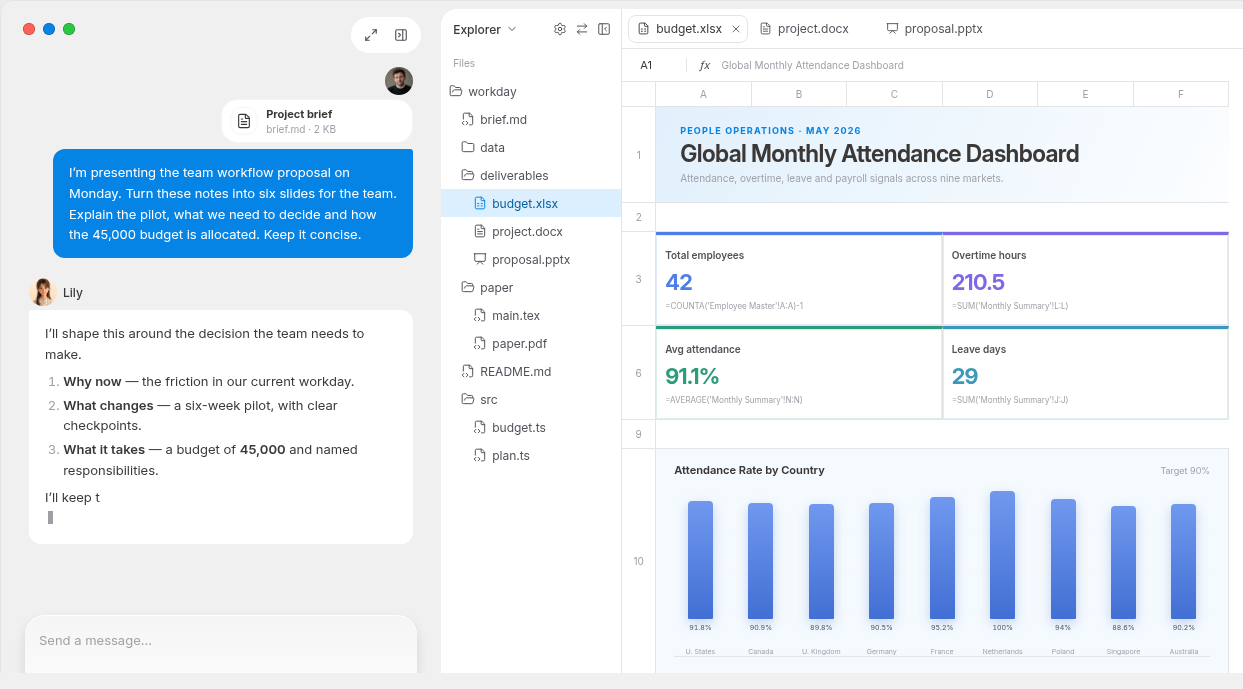
For a decision memo, start in MuseWork with the audience, three source documents and the decision the reader must make. Request a one-page summary followed by a table of disputed numbers; check sources before sharing. On a phone, the MuseWork download page offers mobile options, while a desktop client is relevant when your source files are on your Mac or Windows machine.
Start a decision memo in MuseWork
Need an app instead? See MuseWork downloads
Sources
FAQ
Does opening the Muse site mean my country is supported?
No. Reading a public page and receiving account-level service access are separate things.
When will the region warning go away?
There is no universal date for every account. Check the latest availability notice and your account message.
Will a VPN solve the region message?
It is not evidence of account eligibility and may conflict with service terms. Check the current service eligibility instead.