'/%3e%3cdefs%3e%3clinearGradient%20id='paint0_linear_6609_68599'%20x1='3.18225'%20y1='15.6908'%20x2='32.433'%20y2='20.6207'%20gradientUnits='userSpaceOnUse'%3e%3cstop%20stop-color='%230048ED'/%3e%3cstop%20offset='1'%20stop-color='%230DECD7'/%3e%3c/linearGradient%3e%3c/defs%3e%3c/svg%3e)
'/%3e%3cdefs%3e%3clinearGradient%20id='paint0_linear_6609_68609'%20x1='3.18219'%20y1='15.6908'%20x2='32.4329'%20y2='20.6207'%20gradientUnits='userSpaceOnUse'%3e%3cstop%20stop-color='%236896FF'/%3e%3cstop%20offset='1'%20stop-color='%230DECD7'/%3e%3c/linearGradient%3e%3c/defs%3e%3c/svg%3e)


Meta Muse on Windows: Is There a Desktop App?
Meta Muse works in a Windows browser for eligible accounts. Meta’s consumer download page lists Mac and mobile apps, but no native Windows installer. That distinction matters when the files you need are on the PC rather than on the web.
When the work starts with files on your PC
Muse’s web experience lets you assign and review tasks in a browser. Its agent works in Meta’s cloud environment, so opening Muse in Chrome or Edge does not give it access to a folder on your PC. The Mac app follows a different permission path for local files and apps.
A name on the installer is not enough
An app that wraps the Muse website opens a web session, not local-file access. Muse Code is Meta's developer coding product, with a different job from the personal agent. If you find a Windows installer using the Muse name, check who publishes it before opening it. For a task built around files in Downloads, look for an actual way to share or access those files.
What you can watch in the browser
In an eligible Muse account, you can open the agent's browser view during a task, take control when it reaches a page you want to handle yourself, or stop the task. If you're comparing public vendor prices, you can inspect the pages it used and ask for sources beside each figure.
That browser runs in Meta's cloud environment. It does not read a local Windows folder just because Muse is open in Edge or Chrome. When your inputs are a private spreadsheet and an old deck, choose a tool with a file workflow that fits those materials.
A Windows job that needs more than a browser tab
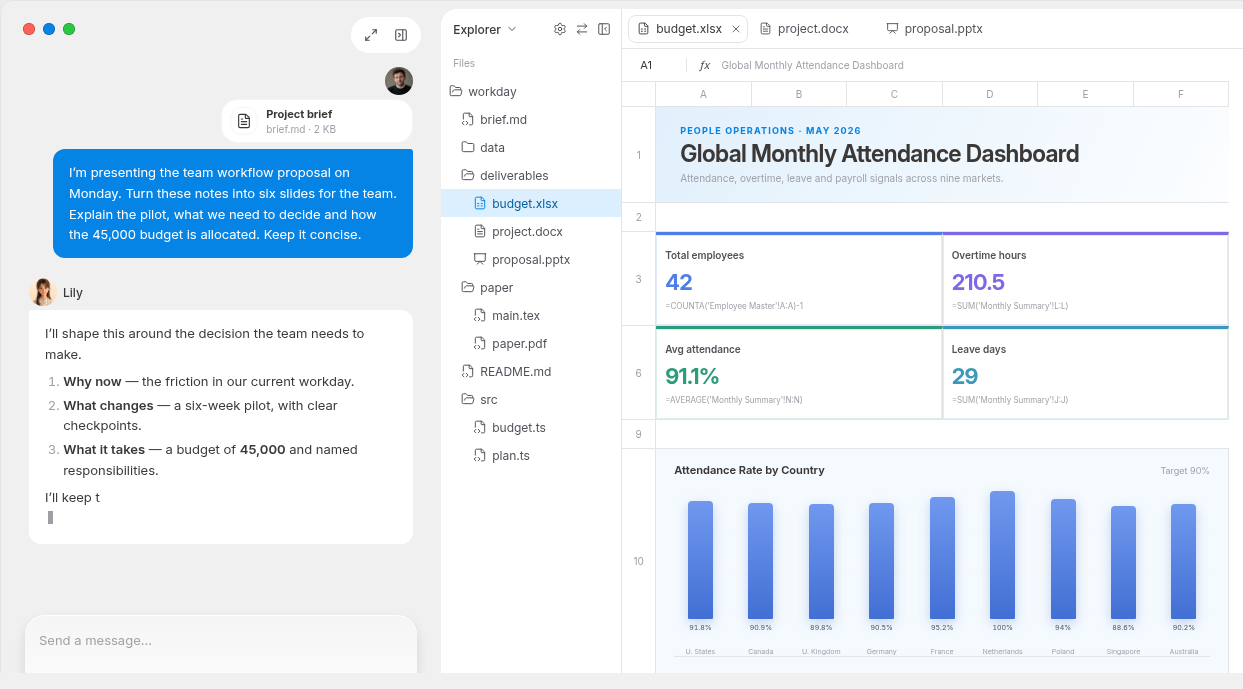
Imagine a product review due tomorrow. There are research links, two spreadsheets, comments from colleagues and a draft deck. The job is to reconcile the figures, explain what changed, build a concise presentation and leave room for review. MuseWork is a separate work product with a Windows desktop client for that kind of job.
MuseWork offers a Windows desktop client. With permission, it can work with local files and browser context and help turn a request and its materials into something you can inspect and revise. You can start from the same work on the web, or keep track of it on your phone; the desktop choice matters most when the files and working context are on that PC.
A Windows task with a finished output
For a quarterly review, collect the approved revenue spreadsheet, last quarter's slides and five customer notes. In MuseWork's Windows client, the useful request is not “summarize the folder”; it is “explain which figures changed, flag every mismatch with a source, then draft a six-slide review for the sales lead; leave uncertain claims marked for approval.” That turns desktop access into an auditable deliverable.
Get MuseWork Desktop for Windows
Prefer to begin on the web? Start a brief in MuseWork
Sources
FAQ
Is there an official Meta Muse Windows app?
Meta's consumer download page currently lists Mac and mobile apps, not a native Windows installer.
Can Muse run on a Windows computer at all?
An eligible account can access the browser experience. That differs from installing a native desktop client.
What is MuseWork for Windows?
A separate MuseWork desktop app for work involving your PC's files and browser, not Meta software.