'/%3e%3cdefs%3e%3clinearGradient%20id='paint0_linear_6609_68599'%20x1='3.18225'%20y1='15.6908'%20x2='32.433'%20y2='20.6207'%20gradientUnits='userSpaceOnUse'%3e%3cstop%20stop-color='%230048ED'/%3e%3cstop%20offset='1'%20stop-color='%230DECD7'/%3e%3c/linearGradient%3e%3c/defs%3e%3c/svg%3e)
'/%3e%3cdefs%3e%3clinearGradient%20id='paint0_linear_6609_68609'%20x1='3.18219'%20y1='15.6908'%20x2='32.4329'%20y2='20.6207'%20gradientUnits='userSpaceOnUse'%3e%3cstop%20stop-color='%236896FF'/%3e%3cstop%20offset='1'%20stop-color='%230DECD7'/%3e%3c/linearGradient%3e%3c/defs%3e%3c/svg%3e)


How to Continue MuseWork Tasks Across Desktop, Mobile, and Web
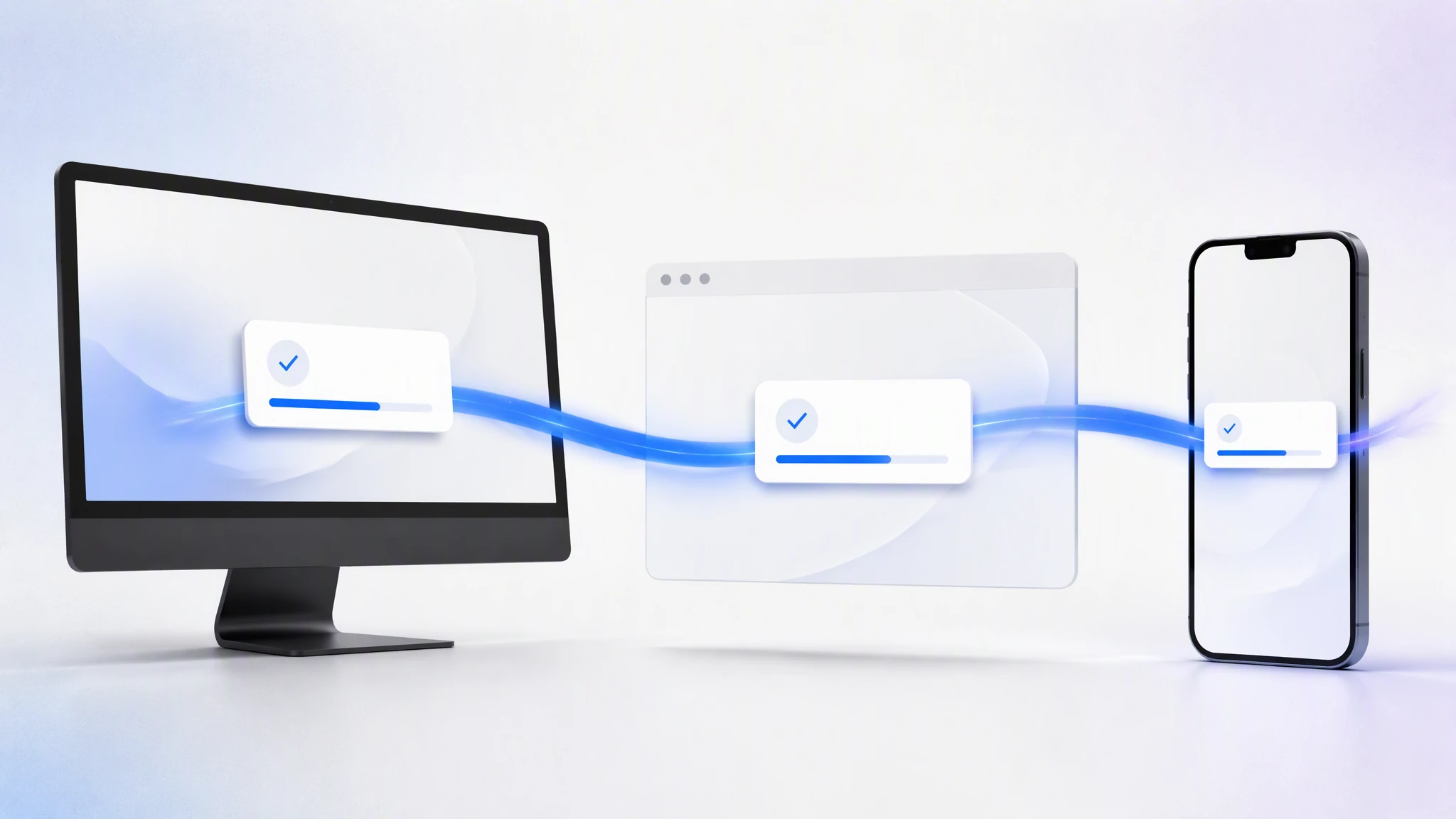
MuseWork lets you continue the same task across Web, Windows, macOS, Linux, iOS, and Android while keeping conversations, progress, and deliverables connected. You can also specify in natural language whether work should run in a cloud sandbox or on a connected computer.
Every screen can be your MuseWork workspace.
How MuseWork syncs tasks across desktop, mobile, and Web
Cross-device work means the work itself continues—not merely that the same chat appears on several screens.
- Conversation stays continuous. Muse retains the goal, confirmed requirements, and current progress.
- Task status stays visible. Active work, pending approvals, and completed results are available from the right device.
- Deliverables remain available. Reports, presentations, spreadsheets, webpages, and code stay in one context.
- Preferences carry over. Tone, structure, format, and collaboration boundaries do not need to be reset.
| Access point | Best for | How work continues |
|---|---|---|
| Web | Starting quickly, uploading material, reviewing deliverables | Sign in and resume the current context |
| Desktop | Authorized local files, folders, browsers, and tools | Run locally while synchronizing status |
| Mobile | Progress, requirements, approvals, and results | Manage cloud or connected-computer work |
Web: start quickly and continue anywhere
Open a browser to describe work, upload material, review progress, and receive deliverables without installing an app. Instructions added on mobile and local material used on desktop stay connected to the same goal.
How MuseWork Desktop uses local files and tools
Repositories, design assets, internal documents, datasets, and specialist tools often live on your computer. Download MuseWork Desktop for Windows, macOS, or Linux so Muse can use the local environment within the scope you authorize.
Say “inspect this project folder and run tests without uploading the whole repository,” or “run in the cloud sandbox and do not access local files.” You define the goal, location, and boundaries.
Cloud sandbox vs local computer
| Task situation | Better environment |
|---|---|
| No local material; start quickly | Cloud sandbox |
| Local projects, files, or tools are required | Desktop local environment |
| An isolated experiment should not affect the computer | Cloud sandbox |
| Results must be written to a local folder | Desktop local environment |
Continue MuseWork tasks on your phone
Download MuseWork for iOS or Android to start tasks, check progress, answer questions, add requirements, approve actions, and review results. Keep the connected desktop app running when a task still needs local files or tools.
Cross-device example: a quarterly review
- Start on the Web. Upload notes and data; define the audience and output.
- Add local material on desktop. Use an authorized folder, spreadsheet, and presentation template.
- Check progress on mobile. Review an anomaly and ask Muse to add it to the risk slide.
- Finish on desktop. Inspect the editable deck and export with the local template.
- Return anywhere. Revise or begin the next task from the same context.
Move from “which app?” to “how should this work be completed?”
Tell Muse the outcome first, then specify the environment, material, and boundaries. Research in the cloud, use authorized local files and tools, approve from mobile, and keep a deliverable you can continue anywhere.
Give Muse a task now
Start in three steps
- Choose an access point. Use Web or visit the MuseWork download page.
- Describe the task and environment. Choose cloud or a connected computer.
- Continue anywhere. Check progress, add requirements, approve actions, and receive results.
FAQ
Which systems does MuseWork support?
MuseWork supports Windows, macOS, Linux, iOS, Android, and the Web.
Do I need to install the Web app?
No. Use a browser; install Desktop only when a task needs local files or tools.
Can my phone continue a computer task?
Yes. Check progress, add requirements, approve actions, and receive results. Keep Desktop running if local resources are still needed.
Is the same task shared across devices?
Yes. Conversation, progress, deliverables, and preferences remain in one task context.
Can I choose cloud or local execution?
Yes. Choose a cloud sandbox or an authorized local environment and define its boundaries.
Does Muse access my entire computer?
No. Local access is limited to the scope you authorize and the boundaries in your request.