'/%3e%3cdefs%3e%3clinearGradient%20id='paint0_linear_6609_68599'%20x1='3.18225'%20y1='15.6908'%20x2='32.433'%20y2='20.6207'%20gradientUnits='userSpaceOnUse'%3e%3cstop%20stop-color='%230048ED'/%3e%3cstop%20offset='1'%20stop-color='%230DECD7'/%3e%3c/linearGradient%3e%3c/defs%3e%3c/svg%3e)
'/%3e%3cdefs%3e%3clinearGradient%20id='paint0_linear_6609_68609'%20x1='3.18219'%20y1='15.6908'%20x2='32.4329'%20y2='20.6207'%20gradientUnits='userSpaceOnUse'%3e%3cstop%20stop-color='%236896FF'/%3e%3cstop%20offset='1'%20stop-color='%230DECD7'/%3e%3c/linearGradient%3e%3c/defs%3e%3c/svg%3e)


MuseWork refresh: clearer navigation, smoother collaboration
Release date: September 1, 2026
From a new sidebar and brand identity to a fuller skills system and clearer task status, this update makes every step of creation and collaboration clearer and more confident.
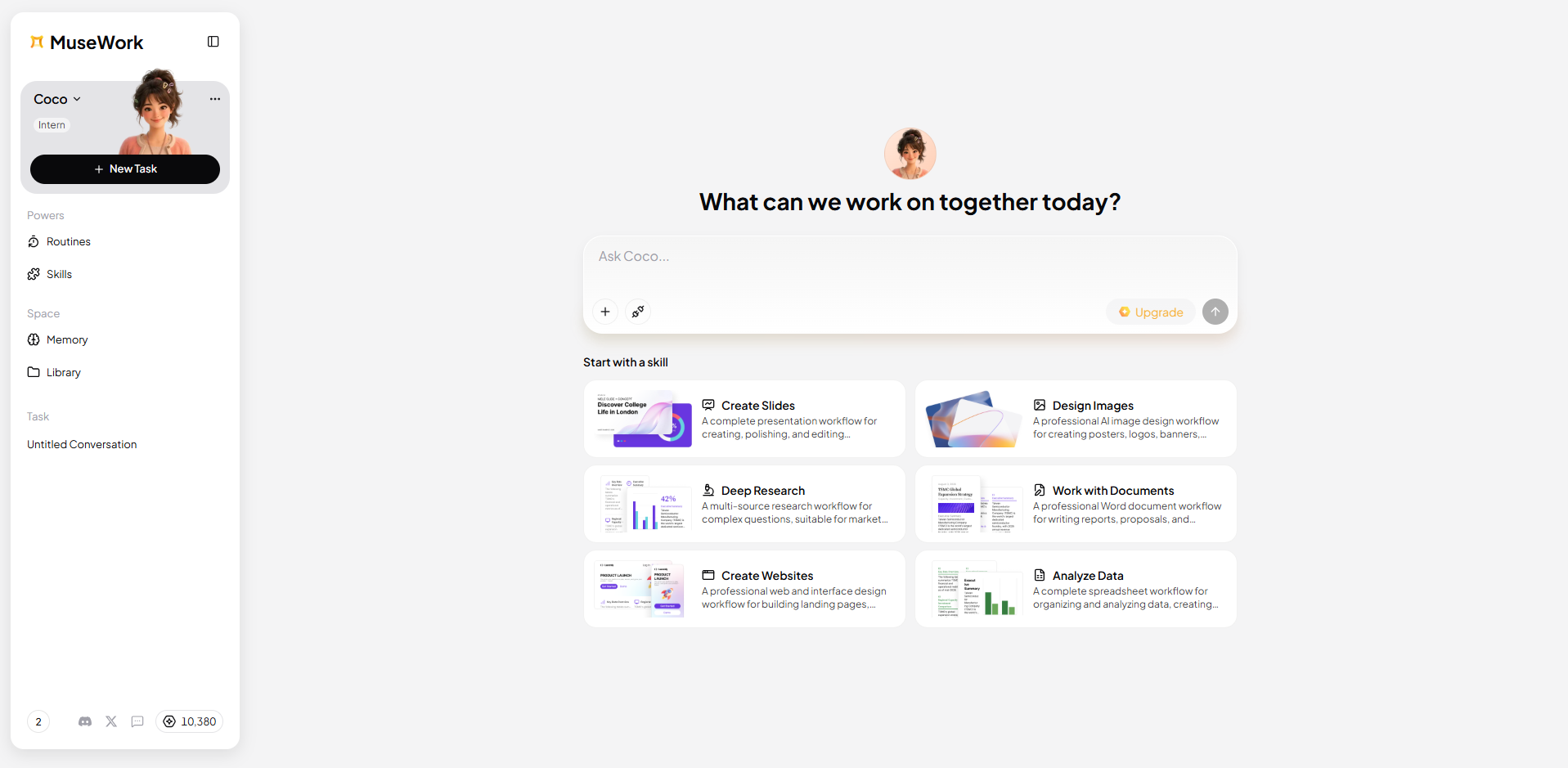
A clearer product architecture: important features, one step away
We refreshed the product architecture so starting a new chat, switching assistants, and finding past sessions feels more natural.
- New Chat: Start a fresh conversation without leaving the current page.
- Better feature placement: Common actions are easier to find after the layout update.
- Upgraded assistant cards: Assistant info and status are easier to scan, so switching feels more intuitive.
- Session list: Past conversations are grouped in one place so you can pick up where you left off.
Muse is now MuseWork
We updated the global brand name from Muse to MuseWork to better reflect what the product is: an all-scenario AI work partner for professionals. MuseWork understands how you work across the files and tools you already use, drives tasks forward on its own, and delivers results you can review. The longer you work together, the more it aligns with your standards.
This change updates in-product branding and related surfaces. Core services and your existing content are not affected.
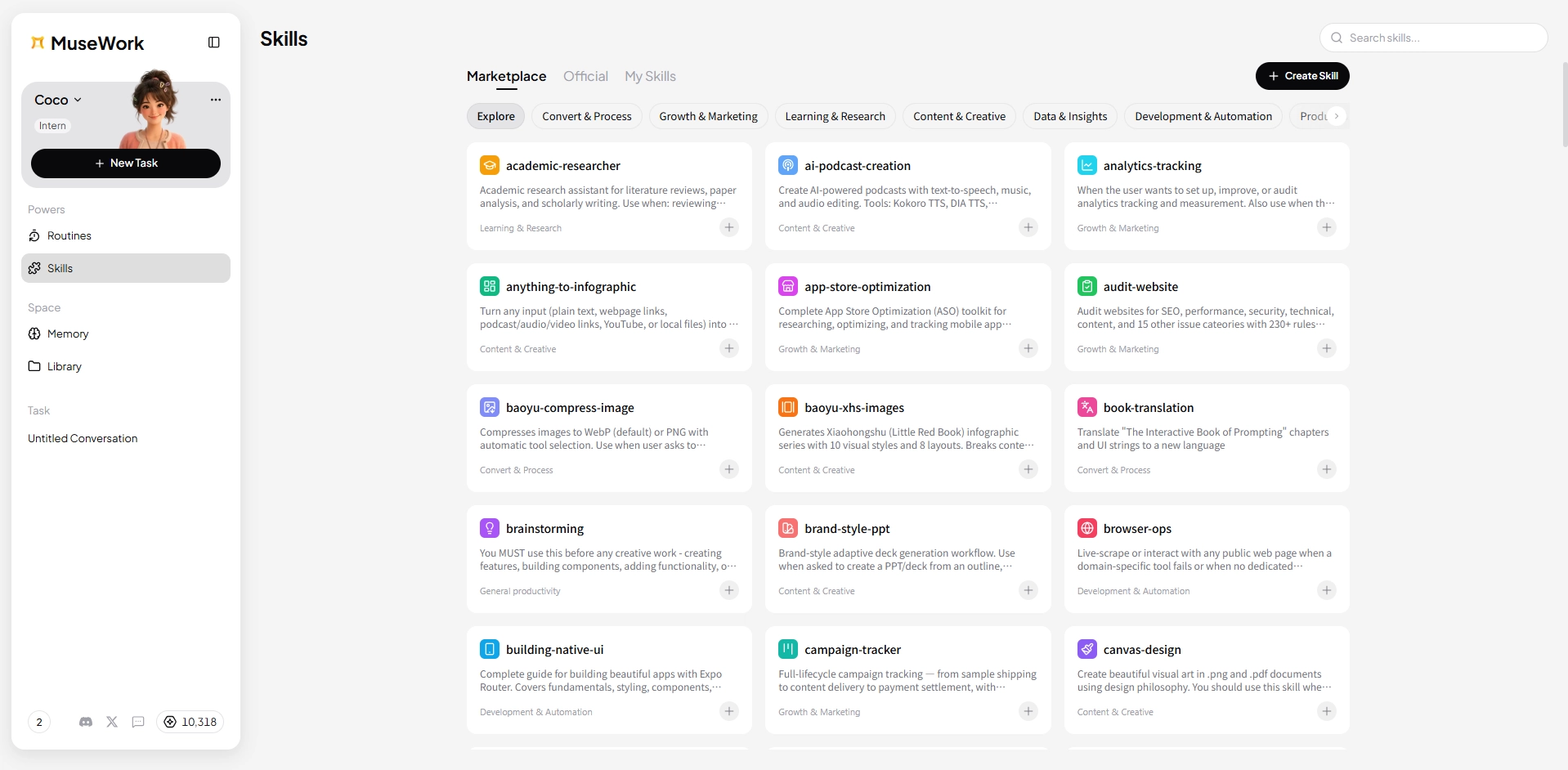
Powers skills: extend capabilities on demand
Powers now includes a Skills section for more specialized, flexible support across scenarios.
- Official skills: Use curated, optimized capabilities for common professional tasks.
- My skills: Manage personal skills and build workflows that fit how you work.
- Skills marketplace: Discover more skills so MuseWork can adapt as your tasks change.
Chat welcome screen: clearer from the first step
We redesigned the Chat welcome screen with clearer guidance. You can quickly see what MuseWork can do and start from a recommended entry point or the input box.
Chat task queue: multiple tasks, in order
Chat now supports a task queue. When several tasks are in flight, MuseWork organizes and processes them in sequence so progress stays clear.
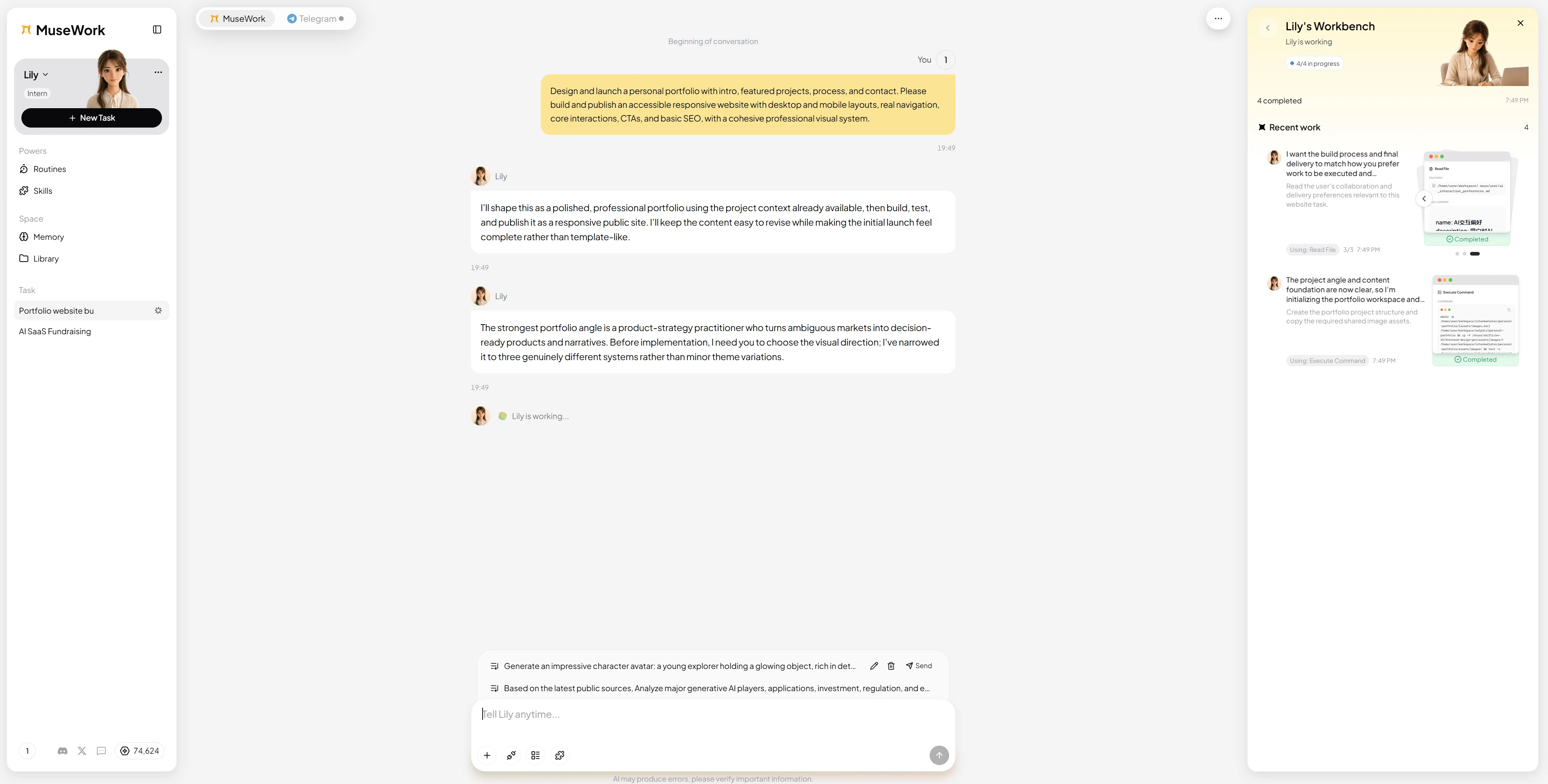
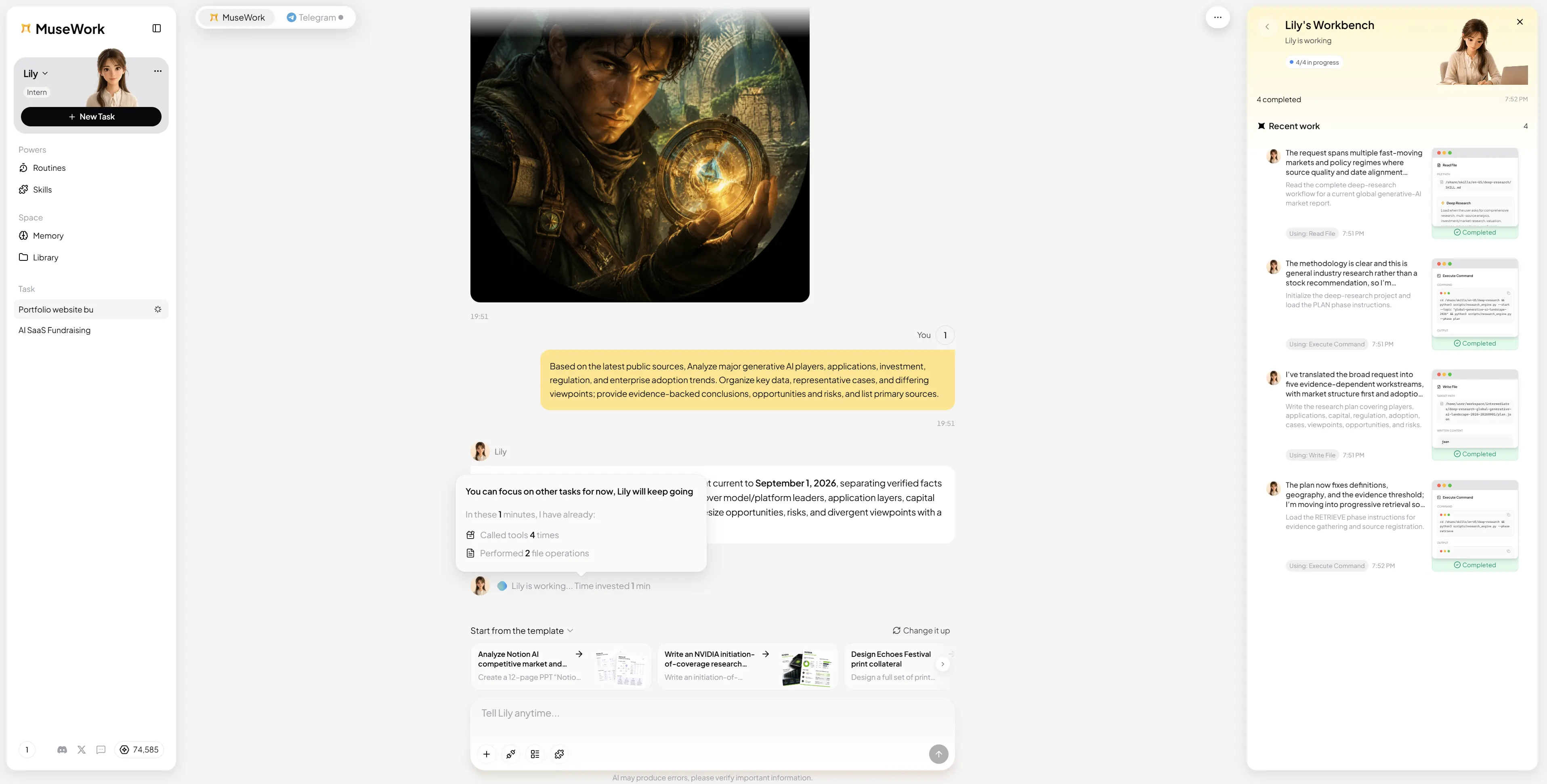
Work status visibility: less uncertainty while you wait
While MuseWork is working, Chat shows live status updates so you know the task is still moving forward—without wondering whether you need to submit again.
Thank you for using MuseWork. We will keep improving every conversation, every task, and every path from idea to outcome.