Claude Artifacts as Desktop Apps: How to Install Them and What to Check
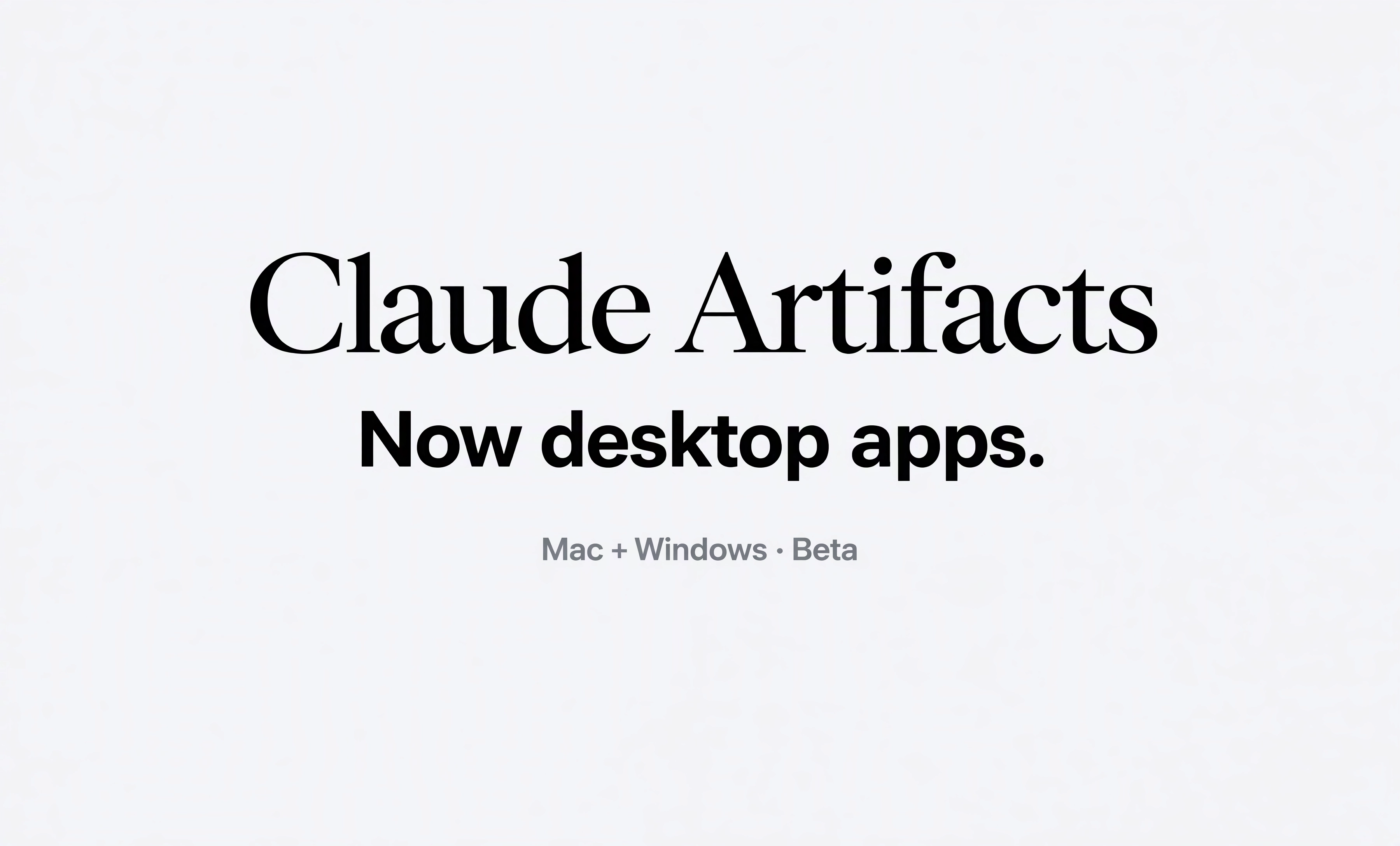
A useful Claude artifact no longer has to stay inside your conversation. Anthropic announced Install as app on November 24, 2026: eligible artifacts can open as Mac or Windows apps, with their own icon and window. The feature is rolling out in beta in Claude for Mac and Windows.
This is different from downloading the Claude desktop client. You use that client to install a tool you have made with Claude. Think of a launch checklist you reopen each morning, rather than another conversation you need to find.
What changes when an artifact becomes an app?
An installed artifact can use Claude and your connectors. With the relevant permissions, it can also send notifications or appear in the menu bar or system tray. Editing the original artifact updates the app automatically.
That makes the feature interesting for small, repeatable tasks: checking outstanding launch work, organizing a folder, or keeping a purpose-built utility close at hand. It does not mean every AI-generated document becomes a desktop program. Claude Docs, Slides, and Sheets cannot be installed this way, and some other artifacts are ineligible too.
Nor does an app icon mean offline software. You must be online and signed in to Claude to open an installed app. Its requests to Claude count toward your plan's usage limits. You do not need to package or sign the app yourself, supply an API key, or create a separate login.
How to install a Claude artifact as an app
- Update Claude for Mac or Windows. The beta is rolling out, and organizational settings can affect access.
- Create and test the artifact first. Describe one job, use sample data, and check that its controls and outputs make sense inside Claude.
- Open the Share menu and choose “Install as app.” The option applies to eligible artifacts; it is not an export command for every document.
- Start with the least access the task needs. A manually maintained checklist is a good first test because it need not read or change your files.
- Reopen the installed app and test a real workflow. Check that the window opens, completed items behave correctly, and any stored data is available where you expect it.
If the option is missing, first check the client version, artifact type, beta rollout, and your organization's settings. Repeatedly rewriting the prompt will not fix an unsupported artifact type.
Understand the three permission levels
| Permission level | What it allows | A sensible starting point |
|---|---|---|
| Default | Only what the app could do in a browser | A checklist with manually entered items |
| App permissions | Controlled system features, such as notifications, global shortcuts, or always-on-top windows | Add a reminder only if it helps the task |
| Full computer access | Run programs and read, change, or delete files without asking each time | Consider only when that access is necessary and you trust the app |
Full access is available only for apps you made yourself or, on Team and Enterprise, apps made by people in your organization. Anthropic does not review apps before installation, so a polished interface is not a security review.
Permission covers the current app version. Claude asks again after updates, including your own edits. There is an important exception: parts loaded from another website can change without a new permission request. Check those dependencies before trusting an app with sensitive work.
A useful first app: a product launch checklist
Suppose you are preparing a product launch. The plan already names the owners of the landing page, screenshots, release notes, and support materials. What you need each morning is a short view of what remains—not an assistant making launch decisions for you.
Start with a small, sanitized list of tasks. Ask for a tool that separates not started, in progress, ready for review, and approved. Keep “approved” as a human decision, with a place to record evidence.
Build a product launch checklist from the sample tasks I provide. Show the owner, due date, status, and review evidence for each item. Add filters for overdue work and items waiting for review. Missing information should appear as “unknown,” not “complete.” Start with manual input and no access to files or connected apps. Explain how progress is stored, whether it is personal or shared, and provide a way to export the checklist.
Before relying on the result, test three things: an overdue item must still appear when you filter; a missing owner must not count as ready; and closing and reopening the app must not silently lose progress. Also check the export and who can see stored data. Artifacts can use personal or shared storage, so installation alone does not tell you where information lives or who can access it.
Only then consider notifications or a connector. A reminder may need an app permission; reading a project tool needs an authorized connection. Neither requires you to begin by granting full access to the computer.
When the next deliverable is a launch website
The checklist helps you manage work before launch. The page your customers will visit is a different deliverable.
If that is what you need, Muse Website can turn your product notes, approved copy, and visual direction into a website. It builds the page structure and responsive layout, generates the code, and adds SEO metadata. Review the draft and refine it before sharing a live link. This is website building—not Claude's desktop installation feature.
A clear starting request is: “Build a product launch page from these approved materials. Include the audience, main benefit, three features, screenshots, and one call to action. Flag missing facts instead of inventing claims.”
Continue launch work on your computer or phone
Your product notes and screenshots are on your computer? Download MuseWork Desktop to work with those files and browser tasks within the scope you authorize, and save the website files or other deliverables locally. Keep publication as a separate step you review and approve.
Away from your desk? Get MuseWork for Android to check the same launch task, add requirements, and review results. This continues your MuseWork work; it does not install Claude artifacts on Android. Keep the connected desktop client running while a task needs its local files or tools.
Start your launch website in MuseWork.
References
FAQ
Can an installed artifact run offline?
No. You need an internet connection and must be signed in to Claude to open the app.
Does installation mean unlimited free Claude usage?
No. Requests the app makes to Claude count toward your existing plan's usage limits. Not needing an API key does not remove those limits.
Why can't I see “Install as app”?
The beta is still rolling out. Update the desktop client, check whether the artifact is eligible, and review any organizational restrictions. Docs, Slides, and Sheets are not supported for installation.
Does Anthropic check an app before I install it?
No. Anthropic says it does not review apps before installation. Choose permissions based on the app's behavior and provenance, not its appearance.