

How can I add requirements and materials during a task?
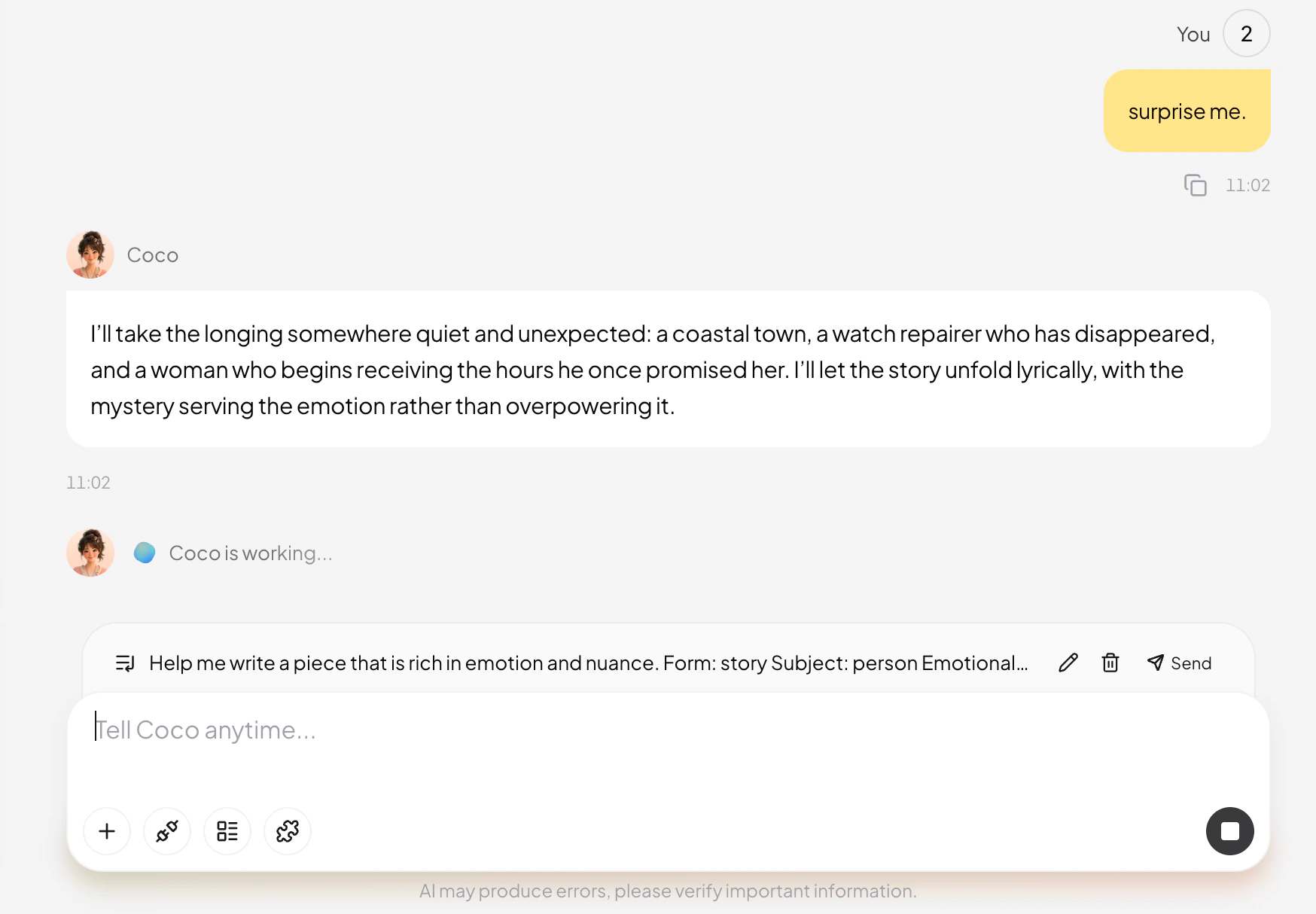
You can add requirements, upload files, or provide more context after a task has started. There is no need to restart because something was omitted.
What can you add?
You can provide:
- New context or facts.
- Missing requirements.
- New reference files, data, or examples.
- Language, length, structure, and delivery format.
- New priorities.
- Directions that should no longer be used.
- Existing content that must remain unchanged.
How should you add a requirement?
Send it directly in the current task and explain how it relates to the work already in progress.
Keep the current outline, but change the audience to first-time users.
Or:
Do not expand the body yet. Verify the cited data sources first.
How should you add files?
After uploading a file, explain what it contains and how MuseWork should use it.
I uploaded the latest brand guidelines. Use them for all naming and terminology. Keep the approved product positioning unchanged.
If files serve different purposes, identify which one is a factual source, which is only a style or structure reference, and which is outdated.
What happens after you add information?
MuseWork will continue the current task using the new information. If it affects completed work, specify the sections to update.
The new material affects sections two and three. Update those sections and leave section one unchanged.
When should you create a new task?
Continue the current task when the new information supports the same goal. Create a new task when the objective, audience, or deliverable has changed completely.